Patient Intake Automation for Imaging Centers and Clinics

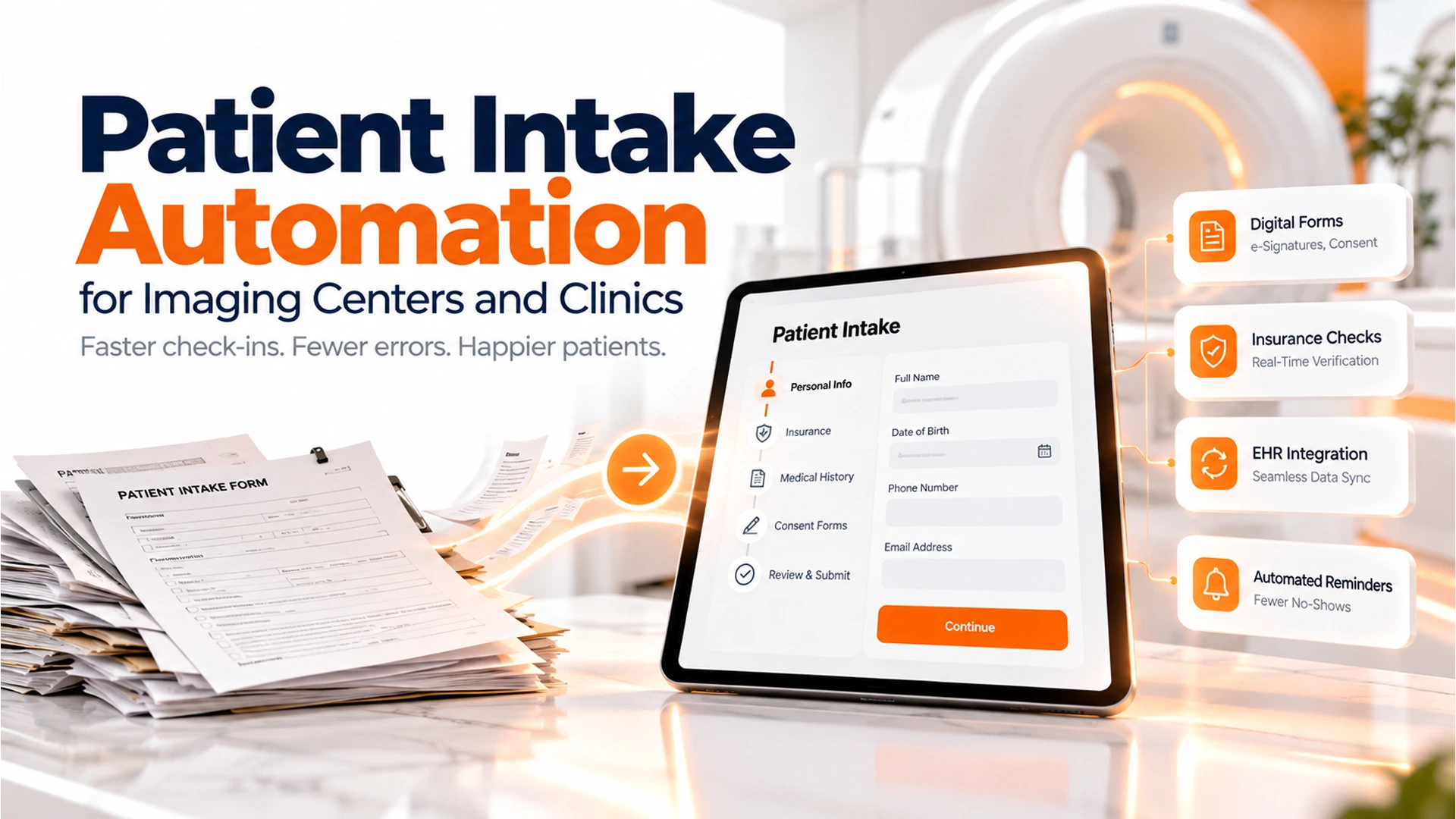
Patient intake automation kiosk at an Orange County imaging center front desk
9 min read
This guide explains how patient intake automation replaces paper-based check-in at diagnostic imaging centers with digital forms, real-time insurance verification, and direct EHR integration. It covers how intelligent intake works, HIPAA compliance requirements, and a practical rollout plan for clinics looking to reduce front-desk workload and insurance denials.
Patient intake automation can turn a 20-minute check-in into a 3-minute process. For imaging centers, that difference adds up fast. Staff juggle insurance approvals, consent forms, and EHR handoffs every day.
This guide shows how the best patient intake software works. We’ll also cover what it takes to set it up well. By the end, you’ll know what to look for and how to avoid common rollout mistakes.
Why Front Desks at Imaging Centers Need Patient Intake Automation
Imaging centers face a unique front-desk burden. Unlike a general practice, every visit needs insurance checks, approval steps, and clinical history. Staff need all of this before a doctor can even start.
Because of this, front-desk staff often juggle phone calls, paper forms, and fax machines at once. As a result, patients wait longer, and no-shows increase. Staff also burn out faster.
That’s why many clinics now use patient intake management software. It handles repeat data entry so staff can focus on patient care. In addition, automated systems catch missing insurance details before the appointment day, not during it.
Think about a typical Monday morning at a busy imaging center. Ten patients arrive within the same 30-minute window. Each one needs an insurance check, a signed consent form, and a quick review of past scans.
Without automation, one front-desk worker simply cannot keep up. Phones ring, lines form, and small errors creep into paperwork. Over time, those small errors turn into denied claims and frustrated patients.
Automation does not remove the need for staff. Instead, it removes the repetitive parts of their job. That shift alone can lower turnover, since burned-out staff often leave for less stressful roles.
What Patient Intake Software for Diagnostic Imaging Centers Actually Does
Patient intake software for diagnostic imaging centers digitizes the whole pre-visit process. Patients fill out digital forms on a tablet, phone, or kiosk before they arrive. Meanwhile, the system checks insurance, flags missing documents, and sends exceptions to staff on its own.
In short, this software replaces paper clipboards. It uses digital forms that verify insurance, capture consent, and sync patient data straight into scheduling and EHR systems. This cuts manual entry time by a lot.
- Digital intake forms with e-signature and consent capture
- Real-time insurance checks and prior approval steps
- Automating reminders and easy rescheduling links
- Secure document upload for referrals and past imaging
- Direct sync with scheduling and billing systems
Most platforms also support multilingual forms. This helps imaging centers serve diverse communities, like those across Orange County. Because patients fill out forms ahead of time, staff spend less time on repeat data entry. That means more time for patient questions.
For example, a patient can get a text message the day before their scan. The message includes a link to a secure form. They fill it out from their couch, upload their insurance card photo, and sign consent digitally.
By the time they arrive, the front desk already has everything needed. Staff simply confirm the patient’s identity and point them to the waiting area. That’s a much smoother start than filling out five pages on a clipboard.
This approach also helps patients who struggle with mobility or feel anxious in waiting rooms. They spend less time at the clinic overall. For imaging centers that see a lot of older patients, this matters a great deal.

Overwhelmed front desk staff before patient intake automation
Intelligent Intake: Forms, Insurance Checks, and Verification in Minutes
Smart intake goes further than basic digital forms. It uses AI to read insurance cards, fill in known fields, and flag problems before a patient even sits down. As a result, front-desk staff only review exceptions instead of retyping every field.
How Insurance Verification Works
When a patient uploads a photo of their insurance card, the software pulls out the policy number, group ID, and payer name on its own. Then it checks the payer’s system in real time. If coverage looks incomplete, staff get an alert before the appointment.
This process also catches common issues early. For example, maybe a patient’s plan needs prior approval for an MRI. The system flags this right away, so staff can start that approval days in advance.
In addition, some platforms check eligibility across multiple payers at once. This helps when a patient has both a primary and secondary insurance plan. Instead of staff making two separate phone calls, the system checks both in seconds.
Comparing Manual vs Automated Intake
| Task | Manual Process | Automated Intake |
|---|---|---|
| Insurance verification | 5 to 15 minutes per patient, phone calls required | Under 1 minute, real-time eligibility check |
| Form completion | Paper clipboard, re-entered by staff | Digital form, data flows directly to EHR |
| Missing document follow-up | Phone tag after the visit | Automated reminder before the appointment |
| Staff time per patient | 10 to 20 minutes | 2 to 5 minutes |
No system catches every edge case. Still, smart intake cuts the volume of manual work by a lot. As a result, front-desk staff shift from data entry clerks to patient experience coordinators.
That shift matters more than it sounds. Staff who once spent their day retyping forms now greet patients and solve problems. This change often improves morale, since the job feels more meaningful.
Connecting Intake to Your EHR Without Breaking Workflows
A common fear with new intake software is that it won’t talk to your current EHR. However, most modern platforms use standard health data formats, like HL7 or FHIR, to pass data straight into the chart.
This means a patient’s intake form, insurance details, and consent signatures show up in the health record on their own. No staff member needs to retype anything. This also cuts down on errors that can lead to billing denials and clinical mistakes.
For clinics exploring this kind of setup, OCImagine’s workflow automation services focus on linking intake tools, patient schedule systems, and EHRs. Data moves in one direction, with no duplicate entry. This is how EHR integration should work: quietly, in the background, with no extra clicks for your team.
It helps to think of this integration like plumbing. When it works well, nobody notices it. When intake and EHR systems are poorly connected, though, problems show up everywhere. Staff see duplicate records, and billing teams spend hours fixing mismatched information.
Good integration prevents all of that. It also means your reporting stays accurate, since every system pulls from the same source of truth.
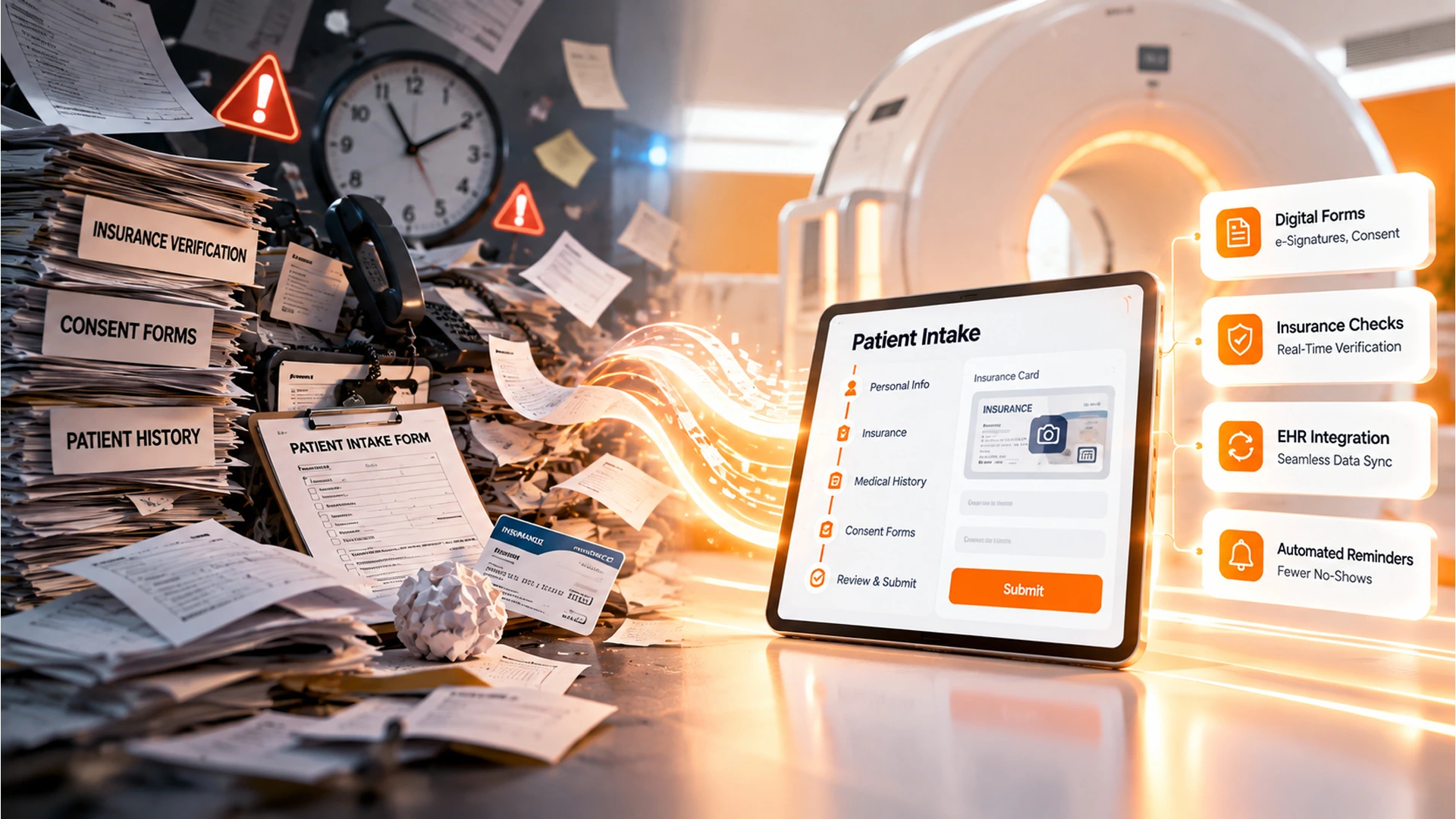
Patient intake software for diagnostic imaging centers displayed on tablet
HIPAA and Data Security in Patient Intake Automation
Any intake system that touches patient data must meet HIPAA rules for encryption, access controls, and audit trails. So before you choose software, confirm the vendor signs a Business Associate Agreement and stores data on HIPAA-compliant servers.
What to Verify Before You Sign
- End-to-end encryption for data in transit and at rest
- Role-based access controls limiting who sees what
- Audit logs tracking every access and edit
- A signed Business Associate Agreement (BAA)
- Regular third-party security checks
Staff training matters just as much as software settings. Even the most secure platform fails if employees share logins or leave screens unlocked. That’s why HIPAA compliance should be part of every rollout plan, not an afterthought.
Consider running a short security refresher every few months. Even a 15-minute session can remind staff why they should never share passwords. It also gives them a chance to ask questions.
In addition, ask your vendor how they handle data breaches. A strong vendor will have a clear plan for notifying your clinic and affected patients, matching HIPAA’s breach notification rules.
How to Roll Out Patient Intake Automation at Your Clinic
Successful rollouts start small. First, audit your current intake process to find the biggest bottleneck. It might be insurance checks or paper forms. Next, pilot the automated system with one imaging type or location before expanding clinic-wide.
Then, train staff on exception handling rather than basic data entry. Automation removes most repeat tasks, so this training looks different from old workflows. Finally, measure results after 30 days.
Check wait times, staff hours saved, and patient satisfaction scores. These numbers tell you whether the system delivers a truly streamlined patient experience. Also watch your no-show rate, since better reminders often reduce no-shows within the first month.
During the pilot phase, pick a champion on your staff. This person should learn the system inside and out. They can then answer quick questions from coworkers instead of calling the vendor every time.
It also helps to collect feedback directly from patients. A short survey after their visit can reveal whether the new forms felt easy to use. If patients struggle with a certain step, you can fix it before a full rollout.
Expect a short dip in efficiency during the first two weeks. Staff need time to adjust to new screens and steps. However, most clinics see time savings return, and then grow, by the end of the first month.
Ready to scope patient intake automation for your imaging center? OCImagine’s automation workflow team can map your current intake process. They design a custom AI-assisted system built around your EHR and compliance needs. You can also read our related guide on AI customer intake automation for a broader look at how these systems work across industries.
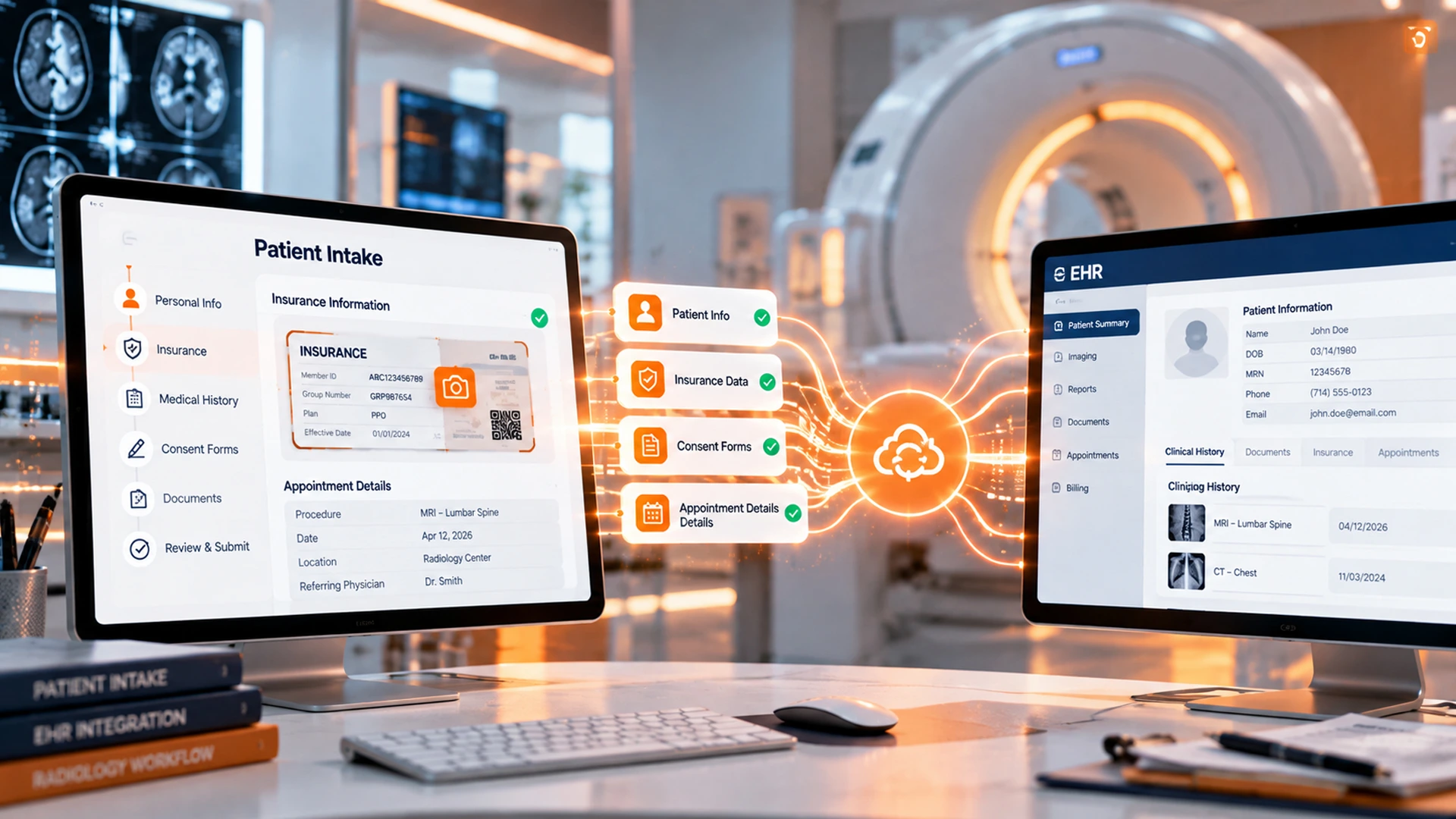
EHR integration workflow for intelligent intake in a radiology clinic
Choosing the Best Patient Intake Software for Your Center
Not every platform fits every clinic. When you compare the best patient intake software options, look at how each one handles managing patient data across multiple locations. Also check how well each platform integrates with your current scheduling and billing tools.
Ask vendors how patients engage with their mobile forms.