How to Choose Your First AI Tool

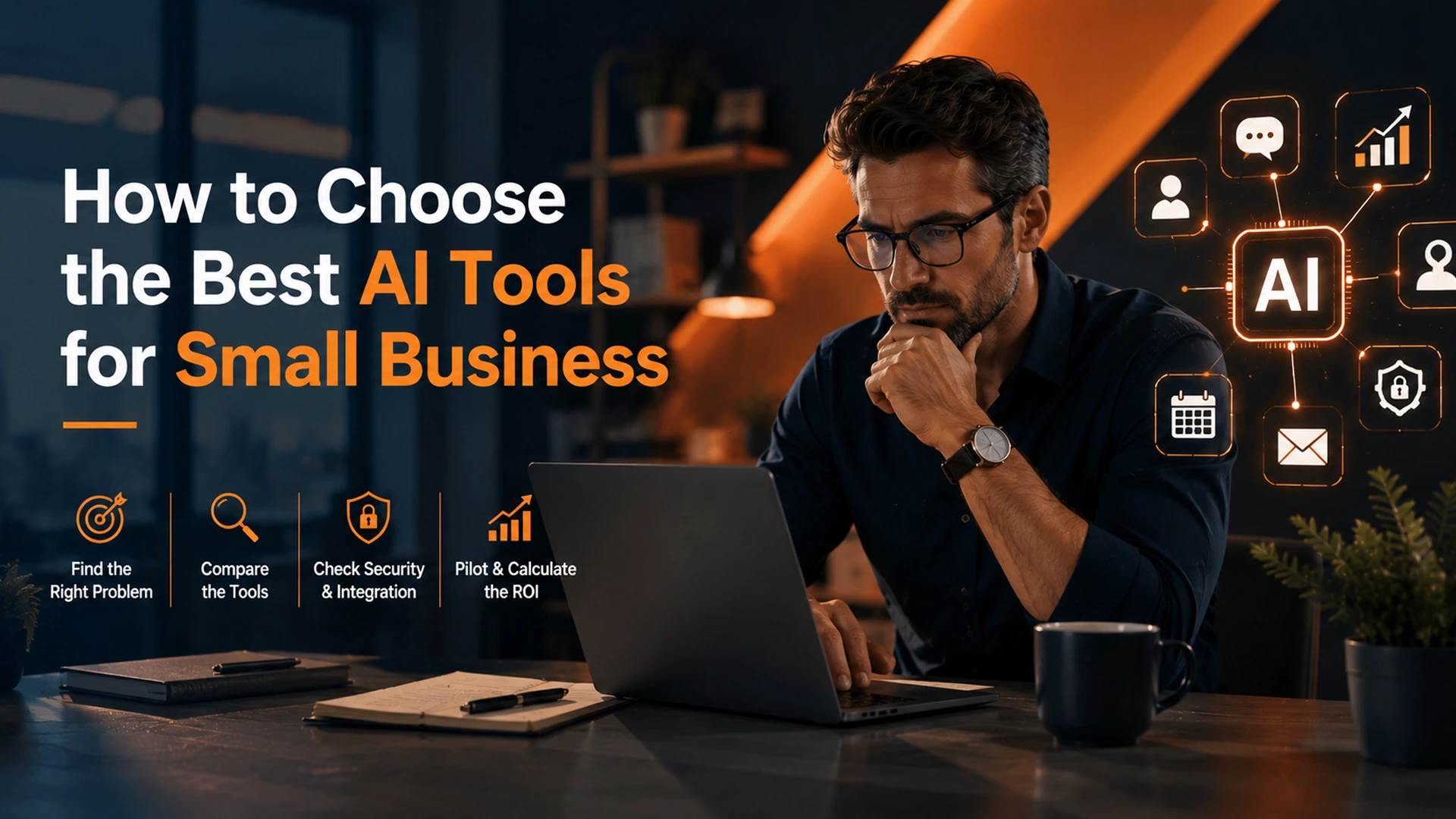
small business owner choosing the best ai tools for small business in Orange County
12 min read
Choosing the right AI tool for a small business should start with identifying a specific, time-draining problem rather than chasing trendy software or feature lists. The article offers a practical framework covering problem identification, tool comparison, security and integration checks, low-risk pilot testing, and ROI calculation to help owners select AI tools that actually deliver value.
Most Orange County business owners waste months testing random apps. They rarely find one that helps.
Choosing the best AI tools for small business starts with a real problem. It does not start with a trending headline. This guide gives you a simple, problem-first framework. It skips the usual list of shiny features.
Why Most Small Business Owners Pick the Wrong AI Tool First
Small business owners often ask, “What is the best AI?” That question has no single answer. Instead, ask a better one: what task drains the most hours each week?
So many AI platforms promise everything. Because of this, it’s easy to chase trends instead of results. Business leaders see a competitor using artificial intelligence (AI) and want the same edge. However, buying tools without a clear plan rarely works.
For example, a landscaping company might buy an AI assistant for productivity. But first, they need to fix a broken lead intake process. As a result, the tool sits unused within weeks.
The business then loses budget and trust in AI tools for business. This pattern repeats across many industries. Buying tools without a plan usually leads to wasted spend.
It also leads to frustrated teams who stop trusting new software. Here are the most common mistakes small business owners make:
- Buying software because a competitor uses it
- Choosing the flashiest AI tool instead of the most useful one
- Skipping a trial period before signing an annual contract
- Ignoring how the tool fits your current tech stack
Start With the Problem, Not the Platform
Before you compare any AI software, find one specific bottleneck. Is it slow customer replies? Or is it missed leads? It could also be manual data entry that eats up your day.
A clear problem statement narrows your search fast. It also protects you from decision fatigue. That means less time wasted on demos and sales calls for tools you’ll never use.
Ask These Three Questions First
First, how much time does this task cost each week? Next, what would fixing it save in dollars or hours? Finally, does a team member already do this task by hand?
These answers point straight to the right AI tools for small business. For example, if data entry eats five hours a week, automation tools become an easy first pick. If customer support tickets pile up, an AI assistant for customer service might solve that pain point fast.
Problem
AI Category
Use Case
Slow customer replies
AI chatbots
24/7 website chat for booking
Manual scheduling
Workflow automation
AI appointment setting for service calls
Missed follow-ups
AI lead scoring
Automated lead scoring and routing
Content bottlenecks
Content creation tools
Drafting emails, blog posts, social captions

business owner overwhelmed by too many ai tools for business
The Best AI Tools for Small Business, Compared
Once you know your problem, compare a short list of AI tools built for that job. The best AI tools for small business are not always the most famous ones. Instead, they match your workflow and your budget.
Below is a simple comparison of common AI model options. These are the tools Orange County business owners consider first. Each one has a free tier, so you can test it before you commit.
AI Tool
Best For
Free Tier
Pricing Start
ChatGPT
Content creation, brainstorming, support drafts
Yes
$20/month
Claude
Long documents, careful writing, research
Yes
$20/month
Gemini
Google Workspace integration, search tasks
Yes
$19.99/month
Microsoft Copilot
Office and Teams users, productivity
Limited
$30/user/month
ChatGPT, Claude, Gemini, and Microsoft Copilot all work well as general AI assistants. They help with productivity, content creation, and quick research. However, many small business operations need something more specific.
For example, a custom AI chatbot often works better than an off-the-shelf tool. The same goes for a workflow automation tool built into your CRM. A custom-built solution often beats a generic AI for small business subscription. That’s because it fits your exact tech stack instead of forcing you to adapt.
Think about your business needs before you pick a tool. A solo service provider needs different features than a 20-person team. Match the tool to your size, not just your budget.
Also, think about scalability early on. A tool that fits your needs today may not fit them next year. Ask each vendor how their pricing changes as your team grows.
Ease of Use, Integration, and Data Security Matter Most
A tool with fifty features is useless if your team never opens it. So, ease of use should rank above feature count. Look for a clean interface and a short learning curve.
This matters even more for small teams. Small business owners rarely have time to train staff on complex software. Instead, pick tools that feel simple from day one.
Check Integration With Your Tech Stack
Ask whether the tool connects to your current CRM, calendar, or ecommerce platform. Poor integration means double data entry. And that cancels out any automation gains you hoped to get.
A tool that syncs cleanly with your systems saves far more time. For example, an AI-powered scheduling tool that talks to your calendar avoids manual updates. This keeps your workflow smooth. Your team can then focus on real work instead of busywork.
Good integration also supports better data-driven decision making. When your tools share data, you get a full picture of your business. That’s much harder when information sits locked in separate systems.
Never Skip the Data Security Question
Data security deserves real attention. This is especially true for healthcare, real estate, or financial businesses. Always confirm where customer data lives.
Also, ask whether the tool trains public models with your data. Check if the vendor follows recognized standards. One example is the framework from the National Institute of Standards and Technology. This step protects your business and your customers.
- Confirm data storage location and retention policy
- Ask if your data trains the vendor’s public model
- Verify user permission and access controls
- Review the vendor’s breach notification process

comparison of best ai tools for small business options
How to Run a Low-Risk Pilot Project
A pilot project is a small, time-boxed test. You try one AI tool on one workflow. It answers a simple question: does this tool actually help before you spend real budget?
Most successful small business rollouts start this way. They don’t start with a company-wide launch. Instead, they start small and scale up once results prove the value.
Choose one team, one process, and a 30-day window. Set two or three measurable goals, such as response time or hours saved. Then, track results daily instead of guessing at the end of the month.
- Pick one workflow with a clear, measurable pain point
- Select one AI tool and one small team to test it
- Set a 30-day timeline with weekly check-ins
- Track hard numbers, not just team opinions
- Decide to scale, adjust, or drop the tool based on data
A pilot project also builds trust with your team. When staff see real numbers, they trust the process more. This makes future AI rollouts much easier to manage.
Need help scoping a pilot project for your specific workflow? OC Imagine’s AI integration services start with a readiness check. That way, you test the right tool the first time, not the fifth.
Common Mistakes to Avoid When Implementing AI
Implementing AI for the first time comes with a learning curve. Even smart business leaders make avoidable mistakes. Here are the most common ones we see in Orange County.
First, many owners skip the pilot phase entirely. They roll out a tool company-wide before testing it. This often leads to wasted spend and confused staff.
Second, some businesses ignore employee feedback during testing. Your team uses the tool daily, so their input matters. If they find it clunky or slow, that’s a real warning sign.
Third, many owners forget to plan for training time. Even the easiest AI assistants need a short onboarding period. Skipping this step often leads to low adoption, even with a good tool.
Finally, some businesses chase every new AI trend. Instead of picking one system and going deep, they scatter their focus. This rarely leads to real productivity gains. Instead, it creates tool fatigue across the team.

small business team running an ai pilot project
How AI Supports Data-Driven Decision Making
Beyond saving time, AI tools help small business owners make better decisions. Real-time data from AI-powered platforms shows patterns humans might miss. For example, machine learning models can spot which leads are most likely to convert.
This kind of data-driven decision making used to need a full data science team. Now, small business operations can access these insights through simple dashboards. That means faster decisions with less guesswork.
For instance, an AI assistant tracking customer support tickets can flag repeat issues. This helps you fix root problems instead of handling the same complaint over and over. Over time, this saves both money and customer goodwill.
Leveraging AI this way also frees up your best people. Instead of digging through spreadsheets, your team can focus on customers. That shift alone often justifies the cost of the tool.
How to Match AI Tools to Your Business Size
Not every business needs the same setup. A solo consultant might only need one AI assistant for email drafts. A 15-person team might need a full automation stack across sales and support.
Start by mapping your team’s time-consuming tasks. List every repetitive job that eats hours each week. Then, rank them by how much time and money each one costs you.
This simple exercise often reveals surprising patterns. Many business owners find that one task, like manual scheduling, drains more time than five smaller ones combined. That single insight can guide your AI strategy for the year.
Also, consider how fast your team is growing. A fast-growing team needs tools that scale without a full re-platform. A stable team can often get by with lighter, simpler tools for years.

calculating return on investment for ai for small business tools
Why Orange County Businesses Need a Local Approach
Orange County has a unique mix of small businesses. Service companies, healthcare offices, retailers, and professional firms all compete for the same customers. Because of this, generic national advice does not always apply.
Local labor costs shape which AI tools for small business make sense. So do customer expectations and competition levels. For example, a med spa in Irvine faces different customer service demands than a landscaping company in Anaheim.
That’s why finding the orange county best AI tools for small business owners can trust often means skipping generic top-ten lists. Instead, it means matching tools to your specific market and your specific pain points.
Choosing With Confidence, Not Guesswork
Selecting the best AI tools for small business doesn’t require a technology degree. It requires a clear problem, a short pilot, and honest tracking of results. Start small, measure everything, and expand only what proves its value.
OC Imagine works with Orange County businesses every week. We match real problems with the right AI for small business. Sometimes that means a simple assistant. Other times, it means a fully custom platform.
If you’re ready to stop guessing and start testing, reach out through OC Imagine’s AI consulting team to scope your first pilot project. We’ll help you find AI tools that fit your actual workflow instead of a generic checklist.
Frequently Asked Questions
How should a small business choose its first AI tool?
Start by identifying a specific bottleneck, like slow customer replies or manual data entry, rather than picking a trending app. Once the problem is clear, compare a short list of tools designed for that exact task, factoring in ease of use, integration, and cost.
What is the best AI tool for small businesses?
There is no single best tool; the right choice depends on the specific problem you're solving. General-purpose options like ChatGPT, Claude, Gemini, and Microsoft Copilot each suit different needs, while specialized problems may require a custom chatbot or workflow automation platform integrated with your CRM.
Why do small businesses often pick the wrong AI tool?
Businesses commonly choose software because a competitor uses it, pick the flashiest option instead of the most useful one, skip trial periods before signing contracts, or ignore how well the tool fits their existing tech stack. This leads to unused tools, wasted budget, and lost trust in AI solutions.
What is a pilot project and why is it important before adopting AI?
A pilot project is a small, time-boxed test of one AI tool on one workflow, typically over a 30-day window with measurable goals like response time or hours saved. It lets a business confirm a tool actually helps before committing significant budget, and most successful rollouts start this way rather than with a company-wide launch.
How do you calculate ROI for an AI tool?
ROI is calculated as value gained minus cost, divided by cost. For example, if automation saves 10 hours weekly at $30 an hour, that equals $1,200 in monthly recovered labor, which can be compared against the subscription or development cost. Other harder-to-quantify benefits, like faster customer support and fewer missed appointments, also carry real financial value.
What should businesses check regarding data security before adopting an AI tool?
Businesses should confirm where customer data is stored, whether it's used to train the vendor's public models, and whether the vendor follows recognized standards such as the NIST AI Risk Management Framework. It's also important to verify user permission controls and review the vendor's breach notification process, especially for healthcare, real estate, or financial businesses.
Why does integration matter more than the number of features an AI tool has?
A tool with many features is useless if the team never uses it, so ease of use and a short learning curve should rank above feature count. Poor integration with existing CRM, calendar, or ecommerce platforms leads to double data entry, which cancels out any automation gains.