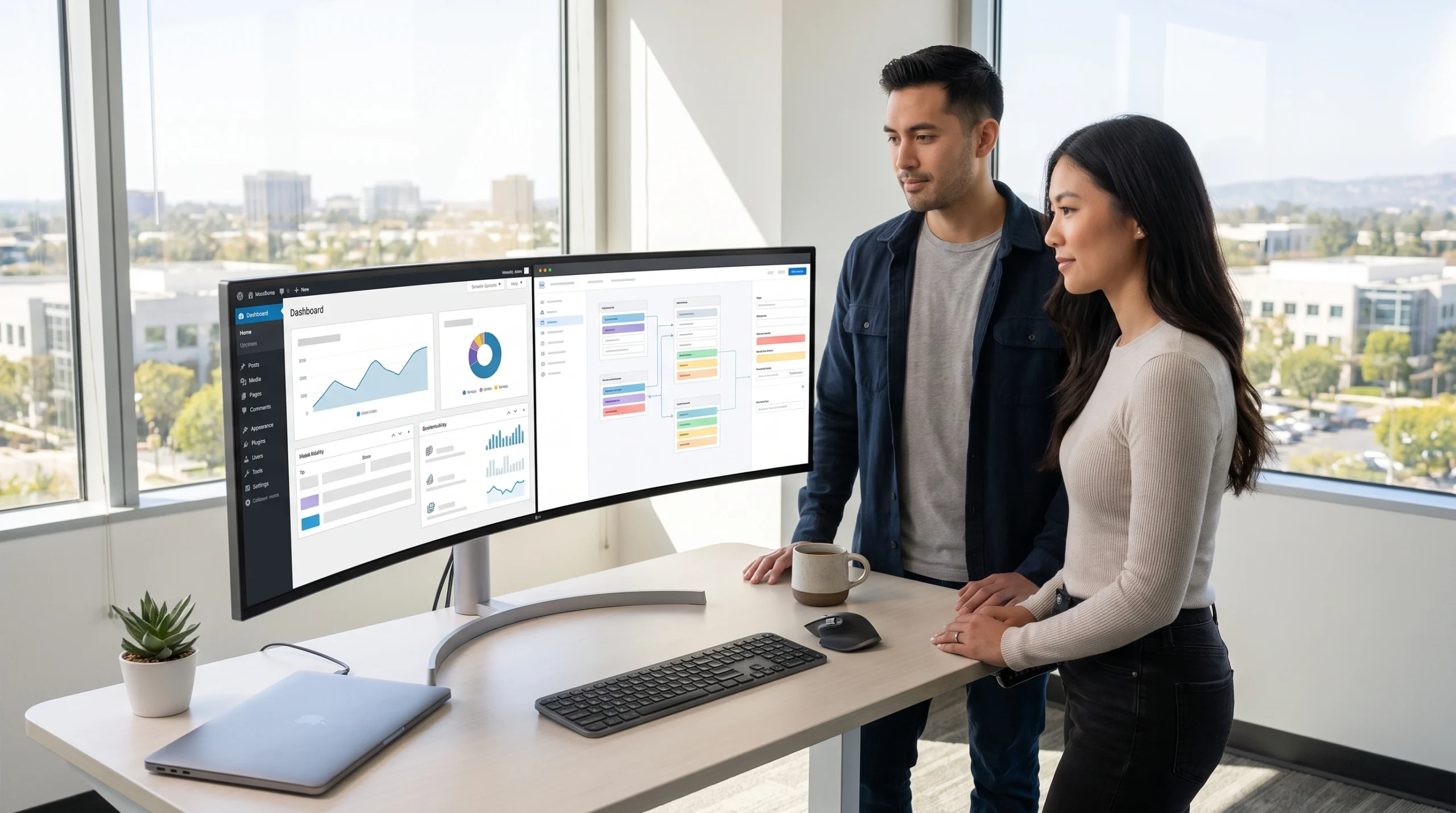
Developers comparing wordpress vs headless cms setups on dual monitors in an Orange County office
13 min read
This guide compares traditional WordPress and headless CMS platforms across speed, SEO, security, editing experience, and cost to help businesses pick the right content management system. It argues the decision hinges on team technical skills, growth plans, and how many channels content needs to reach, rather than one platform being universally better.
Choosing between WordPress and a headless CMS can cost your business time and money. A bad fit means lost speed, extra security patches, or wasted developer hours. This guide breaks down the wordpress vs headless cms decision. That way, you can pick the right system the first time.
This choice affects more than your website. It shapes how fast your team can publish. It also shapes how much you spend on fixes down the road. So, it pays to think this through now, before you build or rebuild your site.
What Is a Content Management System, and Why Does the Choice Matter?
A content management system lets a business publish and update website content without writing code. But not every CMS works the same way. This difference shapes your speed, security, and long-term cost.
Traditional CMS platforms like WordPress combine the frontend and backend into one package. Headless platforms, by contrast, split the two apart. So, the right choice depends on your team’s skills, your growth plans, and how many channels you need to publish to.
For example, a local service business might update a blog twice a month. That’s a simple need. A healthcare brand with many locations often manages content across a website, app, and kiosk displays. That’s a much bigger job.
Also, consider who will do the daily work. A marketing team with no developer needs a simple setup. A business with in-house developers can take on more complex tools. The key is matching the tool to the team.
Traditional WordPress: How It Works and Who It Fits
Traditional WordPress stores your content, design, and logic in one system. The same software that holds your blog posts also builds the pages visitors see. This tight link makes WordPress fast to set up. It’s also simple to manage for non-technical teams.
WordPress powers over 40% of all websites, largely thanks to its huge library of plugins and themes. Because of this, a business can add e-commerce, booking forms, or SEO tools without custom development.
- Easy for marketing teams to edit pages directly, with no developer needed
- Thousands of plugins and themes cover nearly any feature
- Lower upfront build cost for simple brochure sites and landing pages
- Wide pool of wordpress hosting providers and support resources
- Weaker performance and speed on media-heavy or high-traffic sites
Still, a traditional WordPress site often slows down as plugins pile up. Also, each added plugin raises the risk of security bugs. Outdated code is a common way attackers get in.
Many business owners like WordPress because it feels familiar. It has been around for over 20 years. As a result, there are countless tutorials, forums, and freelancers who know the platform well.
This familiarity has a real cost, though. Older plugins sometimes clash with newer ones. A theme update can break a layout overnight. So, someone on your team needs to watch for these issues.
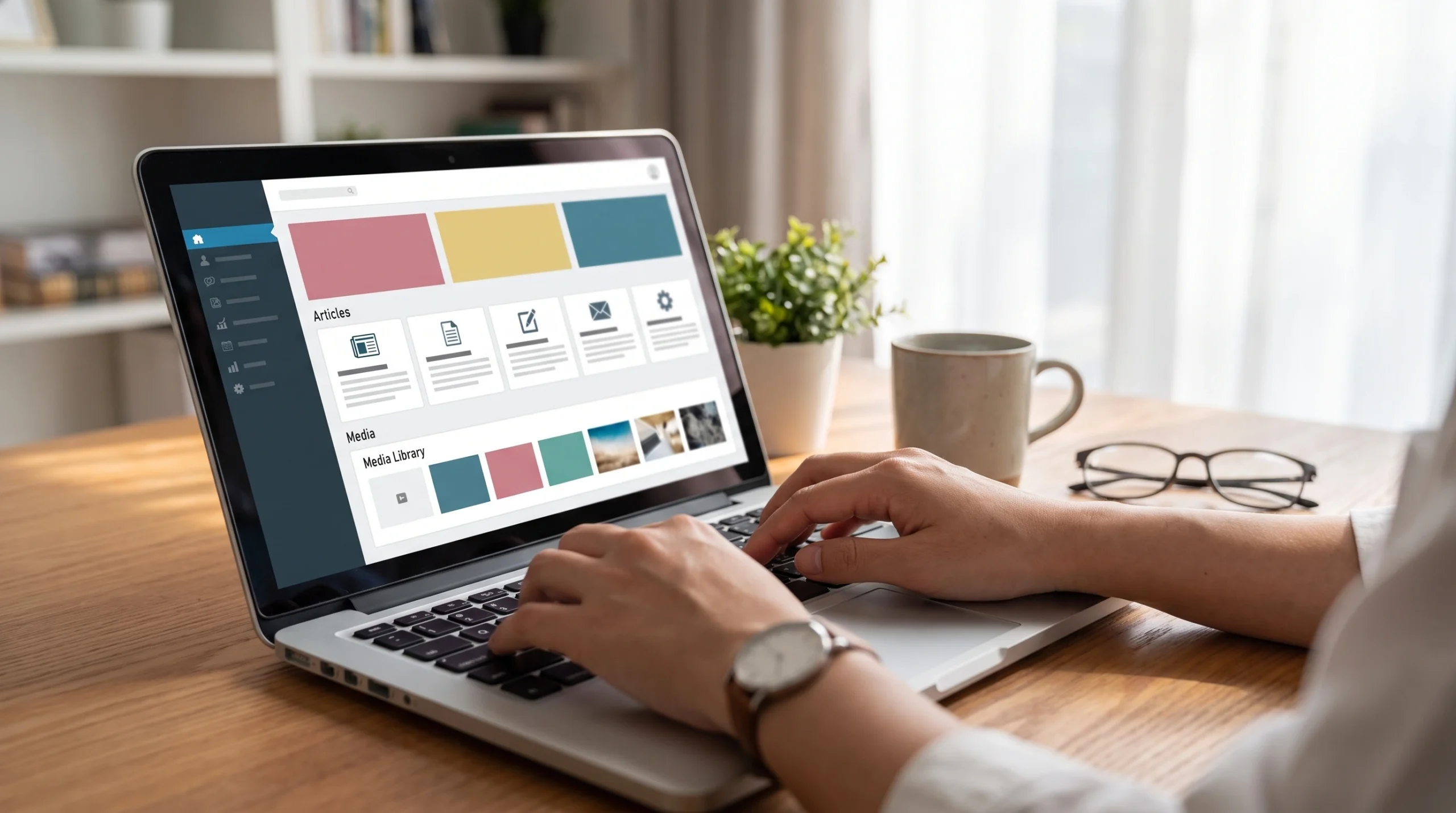
Business owner using a content management system dashboard to publish website content
Headless CMS Explained: Sanity, Contentful, Payload, and More
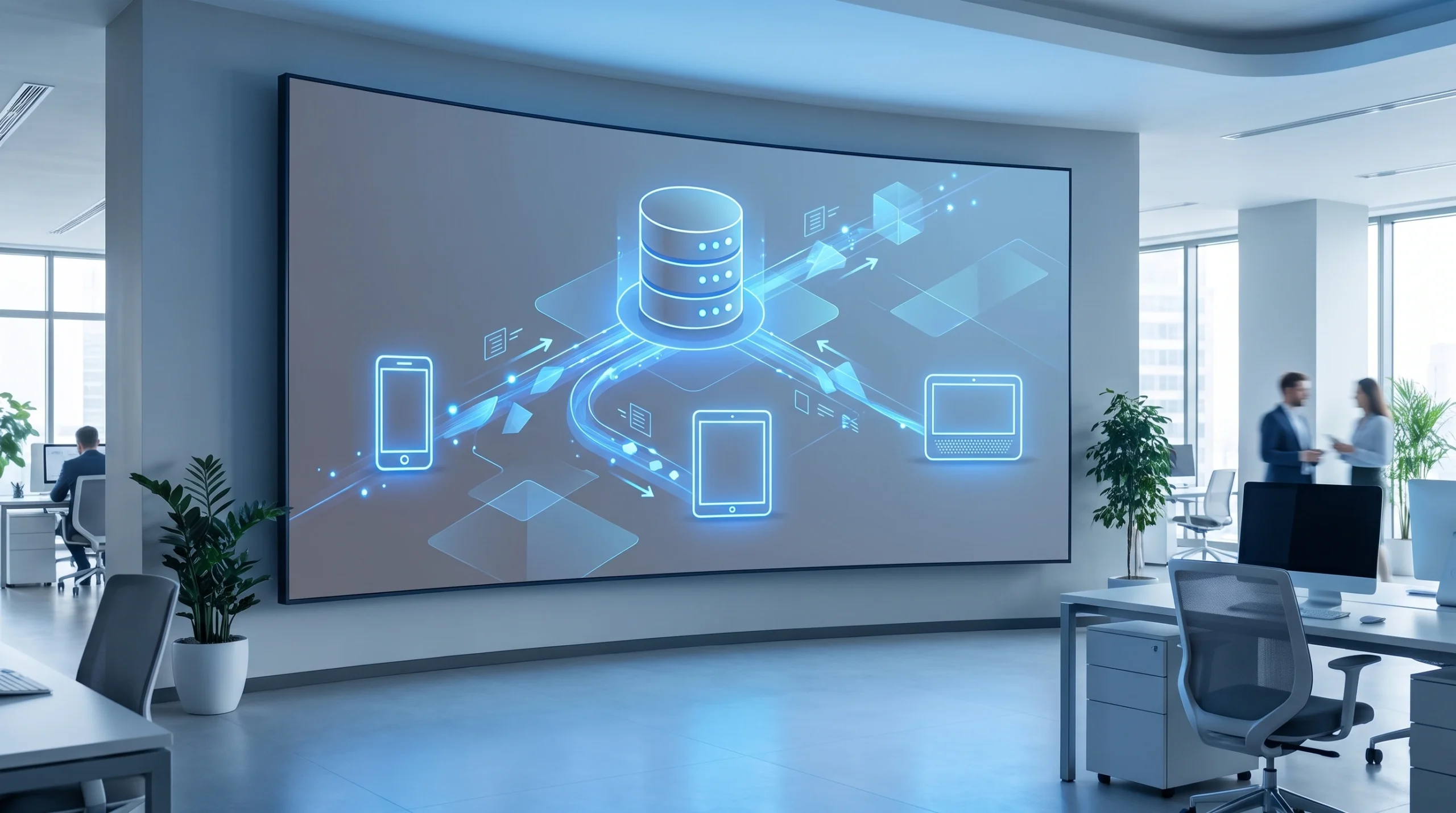
A headless cms vs wordpress comparison starts with one core idea. A headless CMS stores content apart from how it displays. Developers then pull that content into any frontend, like Next.js, React, or a mobile app, using a rest api.
Platforms like Sanity, Contentful, and Payload focus on flexible content modeling. In other words, you build custom content models, like “service page” or “case study.” Then you reuse that content across channels through omnichannel delivery.
Headless WordPress is also an option. Here, WordPress stays the content editing backend. But a separate frontend framework builds the actual site. This hybrid setup lets content creators keep a familiar dashboard. Meanwhile, developers get full control of performance and user experience.
In simple terms, think of a headless CMS as a content warehouse. The warehouse stores and organizes everything. Then different trucks, like your website, app, or kiosk, pick up what they need and display it their own way.
This setup also protects your content for the future. If a new channel appears, like a smart display or voice assistant, your content hub can feed it right away.
Common Headless CMS Platforms
- Sanity: real-time teamwork, strong content modeling, developer-friendly
- Contentful: built for large content teams and multi-channel publishing
- Payload: open-source, self-hosted, popular for custom web apps
- Headless WordPress: familiar backend, custom frontend
Each platform has its own strengths. For example, Sanity works well for teams that want to edit content together in real time. Contentful often fits larger companies with many content editors and strict workflows.
Why Businesses Choose a Decoupled Architecture
A decoupled architecture gives developers the freedom to build a static site or server-rendered app made purely for speed. Because the frontend and backend run on their own, teams can update one without breaking the other.
This split also supports content delivery to new channels later. For example, you could add a mobile app or digital kiosk without rebuilding your whole content hub.
In addition, a decoupled setup often means fewer surprise outages. If your CMS needs maintenance, your live site can often keep running without interruption.
Headless CMS vs WordPress: Speed, SEO, and Scalability
In short, headless CMS setups often beat traditional WordPress on raw performance and speed. Static site generation and modern frameworks cut server load. However, WordPress can still rank well with the right caching and setup.
| Factor | Traditional WordPress | Headless CMS |
|---|---|---|
| Performance and speed | Good with caching plugins; can slow with heavy themes | Excellent with static site or edge rendering |
| SEO performance | Strong plugin support (Yoast, RankMath) | Needs manual setup but offers finer control |
| Scalability | Can struggle under high traffic spikes | Scales easily across multiple channels |
| Content modeling | Limited to post types and custom fields | Highly flexible, structured content models |
| Developer experience | Simple for small builds, messy for complex apps | Clean, API-driven, modern tooling |
Google’s Core Web Vitals reward fast-loading pages. As a result, the speed gains from a headless setup can lead to real ranking boosts.
OCImagine recently moved a client from a slow, plugin-heavy WordPress site to a headless Next.js frontend. As a result, page load times dropped a lot. Organic search visibility also improved within months.
Speed matters for more than rankings, too. Visitors leave slow sites fast. Studies show that even a one-second delay in load time can lower conversions.
Scalability also matters if you expect traffic spikes. For example, a retail site during a holiday sale needs to handle sudden surges. Headless setups, built on modern cloud infrastructure, tend to handle these spikes with less strain.
Decoupled architecture diagram showing headless cms content delivery to multiple devices
Security and Maintenance: Comparing the Real Risks
Most WordPress security bugs trace back to outdated plugins and themes, not the WordPress core itself. So, regular maintenance and updates are a must for any traditional WordPress site.
Headless CMS platforms lower this risk. That’s because the frontend has no direct database link that visitors can exploit. In addition, fewer third-party plugins mean fewer ways in for attackers.
- WordPress: patch plugins and themes weekly; watch login attempts
- Headless CMS: apply vendor-managed updates; secure the API layer
- Both: use strong hosting, SSL, and regular backups
That said, headless setups still need careful rest api security and access control. No CMS runs maintenance-free. But headless architecture usually needs less reactive patching.
It helps to think about security like home maintenance. A traditional WordPress site is like an older house. It needs regular check-ups to stay safe. A headless setup is more like a newer build with fewer parts that can break.
Also, think about who handles security on your team. If you have no developer, a managed WordPress host can handle updates for you. This can lower risk without adding much cost.
Who Edits Content? Developer Experience vs Editor Experience
This question often decides the wordpress vs headless cms debate more than any tech factor. Traditional WordPress gives marketing teams a visual editor and instant preview, with no coding needed.
Headless CMS platforms like Sanity and Contentful also offer friendly dashboards. However, the final design depends on the developer’s frontend build. So, editors can update text and images with ease. But structural changes need development support.
For teams with no in-house developer, traditional WordPress often feels more self-sufficient. Meanwhile, businesses planning fast growth, multiple apps, or frequent redesigns gain more from the long-term flexibility of a decoupled architecture.
Picture two different teams. One is a small bakery owner who updates her menu once a month. She needs something simple and fast to learn. The other is a growing franchise with ten locations and an app. That team needs structure, consistency, and room to grow.
It also helps to ask how often your content changes shape, not just content text. If you often add new types of pages, like events, products, or locations, a headless CMS makes that easier over time.
IT consultant reviewing security vulnerabilities report for a business website CMS
Cost Comparison: What Each Platform Costs Your Business
Here’s the short version: headless CMS vs WordPress costs differ mainly in setup versus upkeep. WordPress is cheaper to launch but builds up plugin fees and maintenance time. Headless CMS costs more upfront for custom development. However, it often saves money long-term through better performance and fewer emergency fixes.
| Cost Factor | Traditional WordPress | Headless CMS |
|---|---|---|
| Initial build | Lower, especially with themes | Higher, needs custom frontend |
| Hosting | Affordable wordpress hosting plans widely available | Often split across CMS and frontend hosting |
| Ongoing maintenance | Recurring plugin and security updates | Lower ongoing patching, but needs developer retainer |
| Scalability cost | May need re-platforming later | Built to scale without major rework |
Businesses weighing a custom web design solution against off-the-shelf builders should also look at platforms like Wix. These visual builders work well for very simple sites. But they often lack the content modeling that growing businesses need down the road.
It helps to think of cost in two buckets: setup cost and running cost. WordPress often wins on setup cost. But running costs can creep up over time through plugin fees, premium themes, and emergency developer calls.
Headless CMS platforms flip this. You pay more at the start for custom development. Yet many businesses find the running cost drops once the site is live, since there are fewer moving parts to patch.
Before you decide, it helps to map out a three-year cost estimate for each path. Include hosting, plugin fees, developer hours, and the cost of any future redesign.
Best CMS for Small Business: How OCImagine Chooses
So, what is the best cms for small business? Honestly, it depends on your stage of growth. A local service company with simple content needs often does fine on traditional WordPress. Solid hosting and a lean plugin stack go a long way.
However, businesses planning multi-channel publishing, an app, or fast scaling gain more from a headless build from day one. OCImagine, based in Irvine, Orange County, builds custom content management systems on Next.js and React. These serve clients who have outgrown plugin-based platforms.
- Simple brochure site, limited budget: traditional WordPress
- Content published across web, app, and kiosk: headless CMS
- Fast-growing e-commerce brand: headless with a dedicated frontend
- Nonprofit or small team with no developer on staff: WordPress with managed hosting
Thinking through a headless cms vs wordpress migration for your Orange County business? Our team can map out the right system based on your traffic, team structure, and growth plans. Explore custom software development options built around your content needs.
We often start with a short discovery call. During this call, we ask about your current traffic, your team’s tech comfort, and your plans for the next two to three years. These answers usually point to a clear path.

Business owner reviewing cms website design orange county cost comparison with consultant
Learning Curve and Day-to-Day Use
Every CMS comes with a learning curve, but the size of that curve differs a lot. Traditional WordPress has a shallow learning curve for basic tasks. Most marketing teams can learn the dashboard within a day or two.
Headless CMS platforms ask more of new users at first. Content creators need to learn how content models connect to the live site. However, once trained, many teams find structured content easier to manage at scale.
For businesses with content teams spread across departments, this structure often pays off. Marketing, product, and support teams can pull from the same content hub. This cuts down on duplicate work.
Training also matters here. A short onboarding session can smooth out most of the early confusion with a headless CMS. Many platforms also offer guided tutorials and templates.
Advanced Features and Future Growth
As businesses grow, they often need advanced features that go beyond a simple blog. Think multi-language content, personalized landing pages, or integration with a mobile app. Headless CMS platforms tend to handle these needs with less friction.
That’s because the content model is separate from the display layer. So, developers can build new customer experiences without touching the core content hub. Traditional WordPress can also handle some of these needs through plugins, but each new plugin adds more moving parts to maintain.
If you expect your business to grow into new channels, it pays to think ahead. A platform chosen for simplicity today might limit your options tomorrow.
For example, imagine a retail brand that starts with a simple WordPress site. Two years later, they want a loyalty app and in-store kiosks. At that point, a full migration to headless might be needed. Planning ahead can help avoid that costly rebuild.
Also, think about personalization. Many businesses now want to show different content to different visitors, based on location or past behavior. Headless platforms often make this easier, since content and display logic are kept separate from the start.

OCImagine team planning the best cms for small business using Next.js and React
Making the Right Call for Your Business
In the end, the wordpress vs headless cms decision comes down to your team’s comfort with tech, your growth path, and how many places your content needs to live. Neither platform wins in every case. Each fits different situations well.
Our team at OCImagine can audit your current CMS and map out next steps. That could mean improving your existing WordPress install. Or it could mean planning a full headless migration.
Before you make a final call, write down your must-have features for the next two years. Then match those needs against each platform’s strengths.
Frequently Asked Questions
Can I use WordPress as a headless CMS?
Yes. This setup, called headless WordPress, keeps WordPress as the content editing backend while a separate frontend framework like Next.js or React renders the actual site. It lets editors keep a familiar dashboard while developers gain full control over performance and design, making it a middle ground between traditional WordPress and a fully headless platform.
Is WordPress a headless CMS by default?
No. Traditional WordPress is a coupled CMS, meaning the same system that stores your content also renders the pages visitors see. It only becomes headless when a developer disconnects the frontend and uses WordPress purely as a content backend, delivering data through an API to a separate framework instead.
What are the main WordPress alternatives for a business website?
Beyond traditional WordPress, businesses can choose headless CMS platforms like Sanity, Contentful, or Payload, each offering flexible content modeling and omnichannel delivery through an API. The right alternative depends on whether you need a simple, plugin-driven site or a scalable setup that feeds content to a website, app, and other channels.
Is a headless CMS more expensive than WordPress?
Headless CMS platforms typically cost more upfront because they require custom frontend development, while WordPress is cheaper to launch using themes and plugins. However, WordPress accumulates ongoing plugin fees and maintenance time, so headless setups often save money long-term through better performance and fewer emergency fixes.
Which CMS is better for SEO, WordPress or headless?
Traditional WordPress has strong built-in SEO plugin support through tools like Yoast and RankMath, making it easy for non-developers to manage. Headless CMS setups require manual SEO configuration but offer finer control and typically load faster through static site generation, which can translate into real ranking improvements tied to Core Web Vitals.
Is WordPress still a good choice in 2026, or is it outdated?
WordPress isn't outdated, but it fits different needs than a headless CMS. It still powers a large share of websites and remains a strong fit for local service businesses or small teams with simple content needs and no in-house developer, while fast-growing or multi-channel brands increasingly benefit from a headless build instead.
How do I decide between WordPress and a headless CMS for my business?
The decision depends on your team's technical comfort, growth trajectory, and how many channels your content needs to reach. A simple brochure site with a limited budget usually does fine on traditional WordPress, while businesses publishing across web, app, and kiosk displays, or planning rapid scaling, benefit from a headless CMS from day one.
Ready to elevate your online presence? Contact OCImagine for a free consultation. We offer web design, app development, ecommerce solutions, and AI automation for businesses in Orange County and beyond.