
system integration small business dashboard showing connected CRM and QuickBooks data
Stop Copying Data Between Systems: Connect CRM, QuickBooks, and Website
8 min read
This guide explains how small businesses can stop manually copying data between their website, CRM, and QuickBooks by using either iPaaS tools like Zapier/Make or custom API integration. It breaks down what each approach costs, when to choose one over the other, and which system pairings deliver the fastest return on investment.
Every week, your staff retypes the same customer name into three systems. That wastes hours. System integration small business owners can fix this without a big IT project. This guide covers APIs, iPaaS tools like Zapier and Make, custom integration, real costs, and the pairings that matter most.
Why Small Businesses Still Copy Data by Hand
Most small businesses run on a patchwork of tools. A website collects leads. A CRM tracks contact records and deals.
QuickBooks Online handles invoices and payments. But these systems rarely talk to each other out of the box.
So someone on your team becomes the human link between systems. They copy a new lead from a web form into the CRM. Then they re-enter that same customer into QuickBooks to send an invoice. Each manual step adds a chance for typos, duplicate records, and missed follow-ups.
- A lead fills out a website form but never reaches the CRM automatically
- Sales closes a deal, but finance has to manually create the customer in QuickBooks
- Customer records exist in three places with three different phone numbers
- Invoices get sent late because billing and invoicing data sits in a disconnected system
As a result, small business accounting gets messy. Reports do not match. Nobody fully trusts the numbers because everyone suspects a sync is missing somewhere.
What System Integration Small Business Owners Actually Need
System integration for small business is simpler than it sounds. In plain terms, you connect your software so data moves on its own. That means no more manual data entry between systems.
At its core, good integration creates one source of truth. When a customer updates their address in the CRM, that change should flow to QuickBooks and your website account portal. Nobody should have to touch a keyboard twice.
The Three Systems Most SMBs Need Connected
For most small businesses, three systems cause the bulk of the pain:
- Website: captures leads, bookings, or online orders
- CRM: manages contact records, sales processes, and communication history
- QuickBooks: handles accounting software tasks like invoices, payments, and tax reporting
Connecting these three first delivers the fastest return. Once that foundation works, you can add inventory management, scheduling apps, or marketing platforms later.
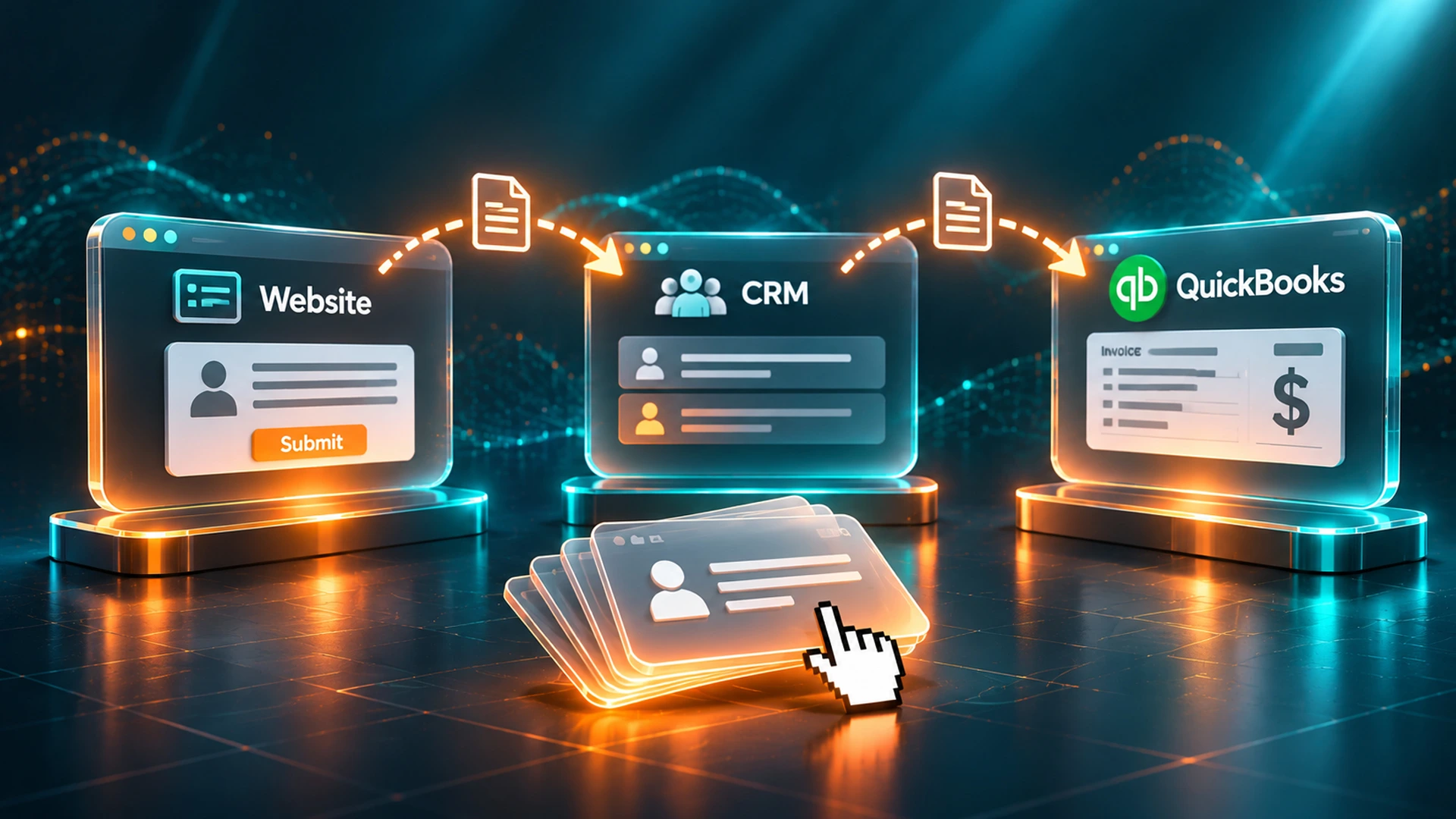
employee manually entering customer records between separate business systems
QuickBooks CRM Integration: Closing the Sales-to-Finance Gap
QuickBooks CRM integration links your customer information to your accounting software. As a result, sales and finance teams see the same real-time data. This one change cuts out most duplicate records. It also speeds up billing.
Without this connection, your sales team closes a deal in the CRM. But finance has no idea until someone sends an email. With CRM integration, a closed deal can automatically create a customer record in QuickBooks. It can even start an invoice draft.
What Good CRM and QuickBooks Integration Looks Like
A well-built integration between CRM platforms and QuickBooks typically includes:
- New CRM contacts automatically become QuickBooks Online customers
- Payment status in QuickBooks updates the deal stage in the CRM
- Invoices and payments sync back to the customer's CRM record for sales visibility
- Data sync runs on a schedule or in real time, depending on your tool
This setup also stops awkward conversations before they start. Sales reps stop promising discounts finance never approved. Both teams work from the same numbers now.
| Without Integration | With CRM and QuickBooks Integration |
|---|---|
| Manual re-entry of every new customer | Automatic contact record creation |
| Sales and finance teams see different data | Shared, real-time data across both teams |
| Invoices delayed by days | Invoices generated same day as deal close |
| Duplicate records common | One source of truth for customer records |
iPaaS Tools vs Custom API Integration
Your choice between an iPaaS tool and custom API integration depends on your workflow. Simple, low-volume syncs work well with Zapier or Make. Complex, high-volume workflows usually need custom API integration built against each system's API.
An iPaaS, short for integration platform as a service, connects apps through pre-built templates. You pick a trigger, like "new contact in CRM." Then you pick an action, like "create customer in QuickBooks." No code needed.
When iPaaS Tools Make Sense
Zapier and Make work well when:
- You need a simple, one-direction data sync
- Your cloud based systems already have official integrations with the platform
- Volume is low to moderate, since most iPaaS tools charge per task
- You want something running within days, not weeks
When Custom API Integration Makes Sense
Custom integration fits better when:
- You need two-way sync with conflict resolution rules
- Volume is high enough that per-task iPaaS pricing gets expensive
- You need custom logic, like matching customer records by multiple fields
- System compatibility issues exist between older or heavily customized software
Many businesses outgrow iPaaS tools as they scale. Luckily, a custom API integration can often replace a patchwork of Zaps without starting over. The data mapping work already exists.
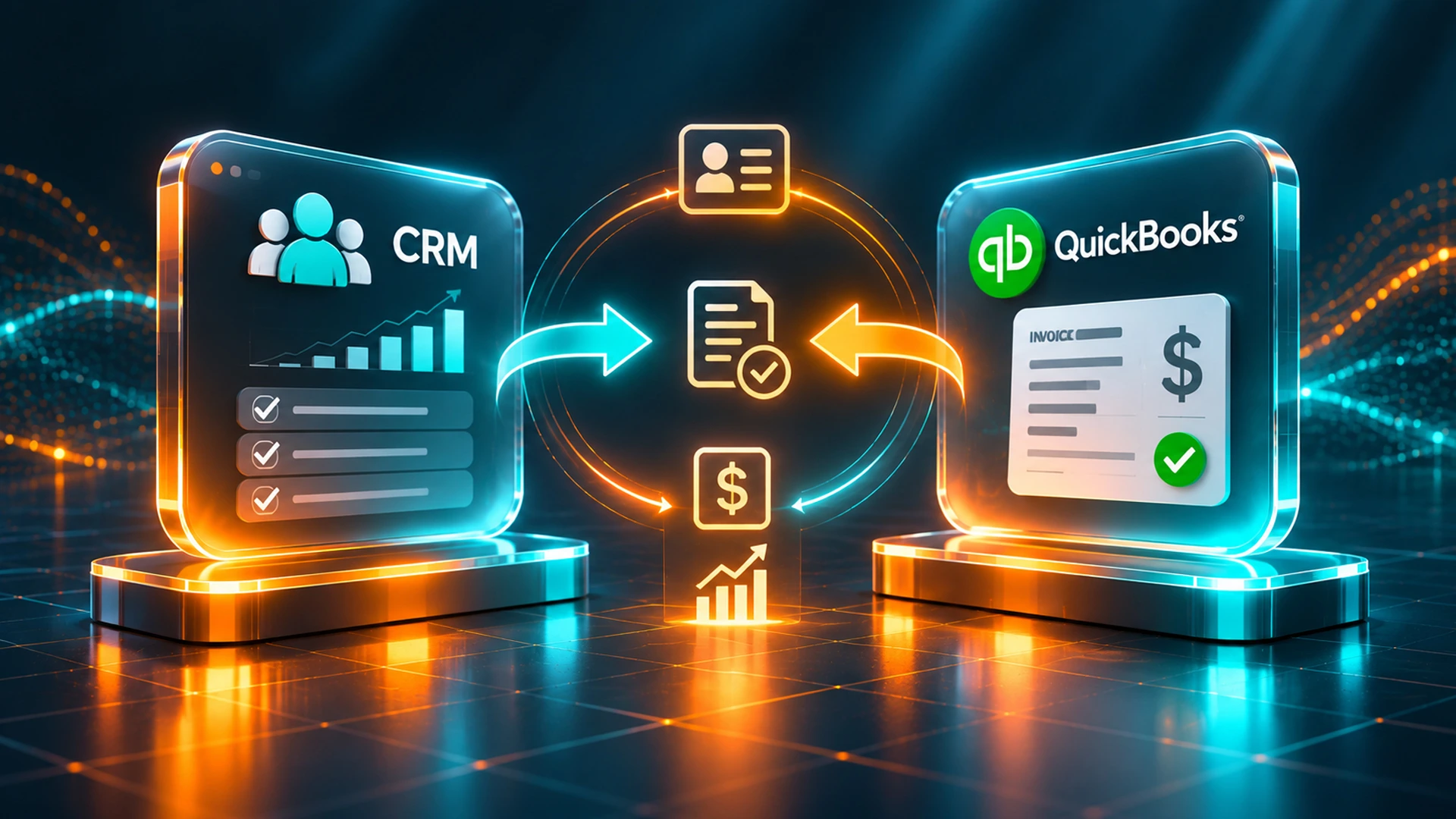
quickbooks crm integration connecting sales and finance team records
How Much Does CRM and QuickBooks Integration Cost
CRM and QuickBooks integration costs vary a lot. A basic Zapier connection might cost under $50 a month, plus a few hours of setup. A custom API integration with data migration and multi-system logic typically runs from $5,000 to $25,000 or more.
Several factors drive the final price. For example, the number of systems matters. The volume of records matters too. So does whether you need to migrate old historical data.
| Integration Type | Typical Cost Range | Best For |
|---|---|---|
| iPaaS (Zapier, Make) | $0-$100/month + setup hours | Simple, low-volume syncs |
| Mid-level custom build | $5,000-$12,000 | Two-way sync, moderate complexity |
| Enterprise-grade API integration | $15,000-$25,000+ | High volume, multiple systems, custom logic |
Ongoing maintenance matters too. APIs change over time. QuickBooks Online updates its endpoints now and then. So budget for occasional updates, not just the first build.
Common System Pairings Worth Connecting First
Not every integration deserves the same priority. Start with the pairings that touch revenue and customer experience most directly. These deliver the fastest payoff.
High-Impact Pairings for Most SMBs
- Connect CRM to website: every lead becomes a contact record instantly, with no manual data entry
- CRM to QuickBooks Online: closed deals trigger invoices automatically
- E-commerce platform to accounting software: orders sync to billing and invoicing without double entry
- Scheduling tools to CRM: booked appointments update contact details and follow-up tasks
Once these core workflows run smoothly, you can connect marketing platforms, inventory management, or customer service tools. However, resist the urge to connect everything at once. Start with your highest-friction manual process first.
OCImagine has guided Orange County businesses through this exact kind of phased rollout. We map data fields before writing a single line of code. That way, nothing breaks during data migration. If you need IT system integration Orange County support, our team has solved this exact problem for local businesses.
Ready to stop the manual data entry cycle? Explore our software integration services. See how a custom connection between your CRM, QuickBooks, and website could help your business operate better.
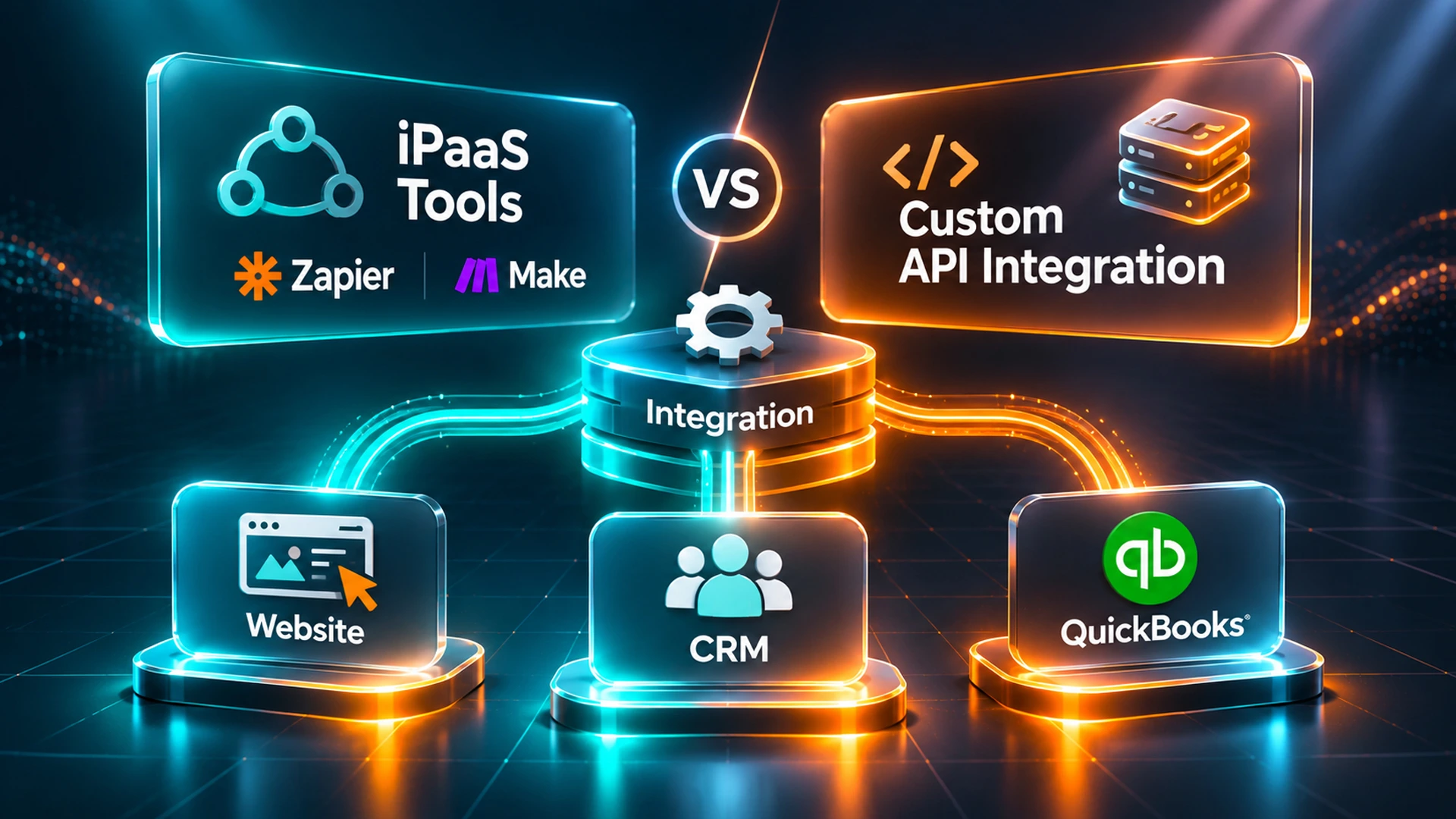
API integration workflow connecting CRM, accounting, and website systems
Get Your Systems Talking to Each Other
If your team still copies data between a CRM, QuickBooks, and your website, that manual work costs you every day. It costs you whether or not it shows up on an invoice. Connecting these systems removes that hidden cost.
OCImagine builds custom API integration projects for small businesses across Orange County. We handle everything from simple QuickBooks syncs to full multi-system data migration. Our team maps your data before touching any code. That keeps your source of truth accurate from day one. Talk to us about a custom API integration project built around the systems you already use to reach your business goals.
Frequently Asked Questions
What is the best CRM to integrate with QuickBooks?
There is no single best CRM for every business; the right choice depends on whether your workflow needs a simple one-way sync or complex two-way logic. Tools with official, pre-built QuickBooks connectors work well for straightforward needs through iPaaS platforms like Zapier or Make, while businesses with high volume or custom matching rules typically get better results from a custom API integration regardless of which CRM they use.
Is QuickBooks itself a CRM?
No, QuickBooks is accounting software built for invoicing, payments, and tax reporting, not a customer relationship management tool. It lacks the pipeline tracking, deal stages, and communication history features a dedicated CRM provides, which is exactly why connecting QuickBooks to a separate CRM closes the sales-to-finance gap.
How long does it take to set up CRM and QuickBooks integration?
A basic iPaaS connection through Zapier or Make can typically be running within days since it uses pre-built templates and requires no code. A custom API integration with data mapping, two-way sync, and multi-system logic takes considerably longer, since it involves planning data fields and testing before anything goes live.
What causes data migration issues when connecting CRM and QuickBooks?
Data migration problems usually stem from mismatched fields, duplicate customer records, and historical data that was never cleaned up before the sync began. Mapping data fields carefully before writing any integration code, and testing messy real-world scenarios rather than only clean demo data, prevents most of these issues from surfacing mid-migration.
Can I switch from an iPaaS tool to a custom integration later?
Yes, many businesses start with Zapier or Make and later outgrow them as transaction volume or complexity increases. A custom API integration can often replace a patchwork of Zaps without starting from scratch, since the data mapping work done for the original sync can carry over into the new build.
Which systems should a small business connect first?
Start with the pairing causing the most manual work and touching revenue most directly, typically website forms to CRM and CRM to QuickBooks. Once leads flow automatically into contact records and closed deals trigger invoices without re-entry, you can expand to scheduling tools, e-commerce platforms, or marketing software.

