How to Improve Website Speed and Performance


In today’s digital world, having a fast and efficient website is crucial. When a website takes too long to load, visitors might leave before they even get a chance to see what you have to offer. This not only leads to a higher bounce rate but also means fewer conversions—whether that’s making a sale, getting a newsletter signup, or another goal you have for your site. In this blog, we’ll explore some effective strategies to improve your website’s speed and overall performance, making it more appealing to visitors and more successful in achieving your goals.
Why Website Speed Matters
Before diving into the details, let’s talk about why website speed is so important. A fast website makes for a better user experience. Visitors are more likely to stay on your site, explore your content, and take action if everything loads quickly. Slow websites, on the other hand, can frustrate users, leading them to leave and possibly go to a competitor’s site instead.
Moreover, website speed is a critical factor in search engine rankings. Google, for instance, considers site speed as one of the ranking factors in its algorithms. This means that a faster website is more likely to appear higher in search results, attracting more organic traffic.
Using Google PageSpeed Insights
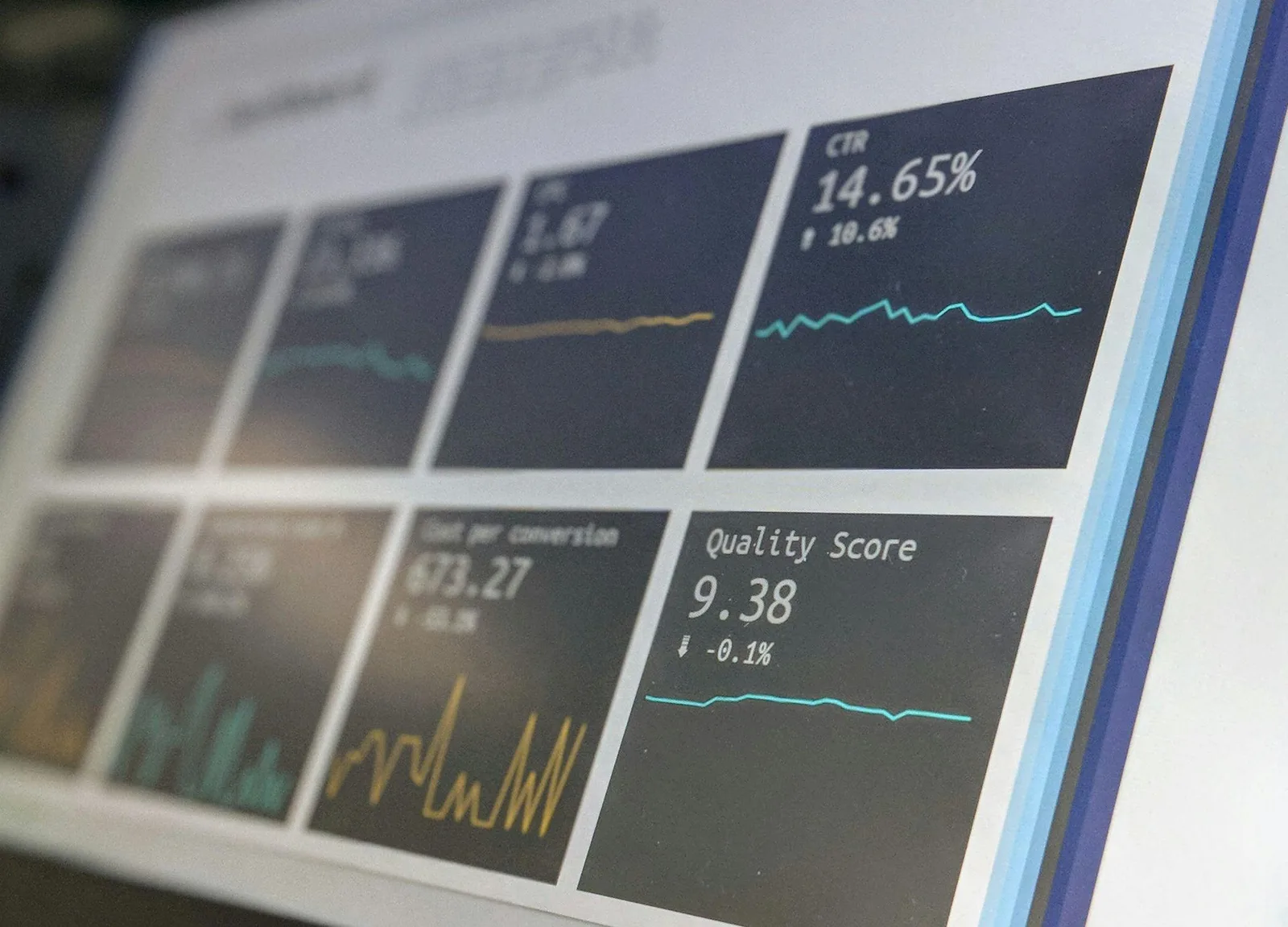
One of the first steps in improving your website’s speed is using Google PageSpeed Insights. This free tool from Google analyzes your website and provides a detailed report on how well your site performs in terms of speed. It gives you a score out of 100 for both mobile and desktop versions of your site, along with specific suggestions for improvement.
For example, Google PageSpeed Insights might suggest that you reduce the number of HTTP requests your site makes or that you optimize images. These recommendations are tailored to your specific site, making them a valuable resource for anyone looking to speed up their website.
Understanding HTTP Requests and Reducing Them
Every time someone visits your website, their browser sends a request to your server to load files like images, scripts, and stylesheets. These are called HTTP requests. The more requests your website has to make, the longer it takes to load. This is because each request takes time, and if there are too many, it can slow down the entire loading process.
To improve your website’s speed, you should aim to reduce the number of HTTP requests. You can do this by combining files, such as merging multiple CSS or JavaScript files into one. Another approach is to remove unnecessary scripts or plugins, especially if you’re using a WordPress website. Every little bit helps when it comes to reducing HTTP requests and speeding up your site.

The Role of Your Web Host
Your web host plays a significant role in determining how fast your website loads. The web host is where all your website’s data is stored, and a fast, reliable host ensures that your site can be accessed quickly by users around the world. If you’re experiencing slow load times, it might be time to consider upgrading to a better web host or switching to one that is optimized for your platform, such as a host specifically designed for WordPress websites.
In addition to choosing a good web host, using a content delivery network (CDN) can further improve your website’s speed. A CDN stores copies of your website on servers around the world, so when someone visits your site, it loads from the server that is closest to them. This reduces the distance data has to travel and speeds up page loads.
Optimizing Images for Faster Load Times
Images are an essential part of any website, but they can also be a major source of slow load times if not handled properly. Large image files take longer to load, which can slow down your entire site. To improve site speed, it’s important to optimize images before uploading them.
Optimizing images involves resizing them to the appropriate dimensions and compressing them to reduce file size without sacrificing quality. There are various tools available online that can help with this, and many WordPress websites also have plugins that can automatically optimize images as you upload them.
Minifying JavaScript and CSS Files
Another way to improve your website’s speed is to minify JavaScript and CSS files. Minification is the process of removing unnecessary characters, like spaces, line breaks, and comments, from your code. While these characters are useful for developers, they aren’t needed for the website to function, and removing them can significantly reduce file sizes.
Smaller file sizes mean faster load times, as there is less data for the browser to download. There are several tools available that can help you minify your files, and there are even plugins for platforms like WordPress that can handle this process automatically.

Improving Time to First Byte (TTFB)
Time to First Byte (TTFB) is a measure of how long it takes for a user’s browser to receive the first byte of data from your server. A fast TTFB is crucial for a speedy website because it means the server is responding quickly to requests. If your TTFB is slow, it could be due to a variety of factors, including server configuration, database performance, or even the location of your server relative to your users.
To improve TTFB, consider using a faster web host or upgrading your current hosting plan. Implementing a CDN can also help, as it reduces the distance between the user and the server. Additionally, optimizing your database and reducing the complexity of server-side processing can lead to faster response times and a better overall user experience.
Focusing on Largest Contentful Paint (LCP)
Largest Contentful Paint (LCP) is an important metric that measures how long it takes for the largest visible element on your web page to load. This could be an image, a video, or a large block of text. A fast LCP is crucial because it directly affects how quickly users perceive your site to be loading.
To improve LCP, focus on optimizing images and other large elements. Make sure they are properly compressed and sized for the web. Lazy-loading images—loading them only when they are about to enter the user’s view—can also help improve LCP. Additionally, ensuring that your web host is fast and reliable will further contribute to a better LCP score.

Leveraging Browser Caching
Browser caching is a technique that allows your website to store files on a visitor’s device so that when they return to your site, it loads much faster. By enabling browser caching, you can reduce the amount of data that needs to be downloaded when someone visits your site again, significantly improving site speed for repeat visitors.
Implementing browser caching involves setting up your server to tell the visitor’s browser how long to store certain files, such as images, CSS, and JavaScript. Once these files are cached, the browser can load them directly from the user’s device instead of downloading them again from your server, speeding up the overall load time.
Regular Speed Testing and Monitoring
Regularly testing your website’s speed is crucial to ensure it continues to perform well. There are various speed test tools available, including Google PageSpeed Insights, GTmetrix, and Pingdom, that can help you measure your site’s load time and identify areas for improvement. These tools provide detailed reports and actionable insights that can guide you in making the necessary adjustments.
It’s also important to monitor your website’s speed over time. Changes in your content, updates to your platform, or even increased traffic can affect load times, so regular testing ensures that any issues are caught and addressed promptly.

Reducing Load Times for Higher Conversion Rates
One of the main reasons to focus on improving your website’s speed is that it can lead to higher conversion rates. When your website loads quickly, visitors are more likely to stay, explore, and take action. Whether you’re running an e-commerce site, a blog, or a service-based business, faster load times can lead to more sales, sign-ups, or other desired actions.
Conversely, slow load times can drive visitors away, leading to a higher bounce rate and fewer conversions. By focusing on reducing load times, you not only improve the user experience but also increase the chances that visitors will engage with your content and complete the actions you want them to take.
Improving Overall Performance with Regular Maintenance
Improving website speed is not a one-time task—it requires ongoing maintenance and optimization. Regularly updating your website’s software, including content management systems like WordPress, themes, and plugins, is essential to ensure that everything runs smoothly. Outdated software can lead to security vulnerabilities and performance issues.
Additionally, regularly reviewing and cleaning up your website’s content, such as removing unused plugins or outdated files, can help keep your site running efficiently. Regular maintenance ensures that your website continues to perform at its best, providing a fast and smooth experience for your visitors.
Conclusion: Achieving Optimal Website Performance
Improving your website’s speed and performance is essential for providing a great user experience and achieving your online goals. By using tools like Google PageSpeed Insights, reducing the number of HTTP requests, optimizing images, and choosing a reliable web host, you can make your website faster and more efficient. Regular speed testing, focusing on key metrics like Time to First Byte (TTFB) and Largest Contentful Paint (LCP), and implementing strategies like browser caching and minifying files will ensure your website performs at its best.
A faster website not only keeps visitors happy but also leads to higher conversion rates and better search engine rankings. By following these tips and committing to regular maintenance, you can create a website that delivers an exceptional experience for your users and helps you achieve your business goals.
Ready to elevate your online presence? Contact OCImagine for a free consultation. We offer web design, app development, ecommerce solutions, and AI automation for businesses in Orange County and beyond.