
Dental practice website design shown on tablet in modern dental office
Dental Practice Website Design: What Patients Look for Before They Book
6 min read
This article explains how dental practice website design directly influences whether patients book an appointment, covering online booking widgets, insurance transparency, before-and-after galleries, reviews, HIPAA-safe intake forms, and mobile accessibility. It argues that these features work together to reduce patient friction and convert website visitors into scheduled appointments.
A patient lands on your dental practice website, scans it for eight seconds, and decides whether to book or leave. Good dental website design turns that glance into an appointment. Miss the mark, and the patient clicks straight to a competitor instead.
Why Dental Practice Website Design Determines Who Books
Most patients research three to five dental practices online before they call anyone. Therefore, your website often does the work of a front desk team before a human ever answers the phone. If the site feels outdated or confusing, patients assume the care matches.
A strong dentist website design orange county patients trust needs more than a nice logo and a stock photo of a smile. It needs clear paths to booking, honest pricing cues, and proof that real patients had good experiences. Consequently, every section of the page should answer a specific question a nervous or busy patient is asking.
Online Booking: The Feature Patients Expect First
Patients expect to book a dental appointment the same way they book a restaurant table: in under a minute, without a phone call. A visible booking button above the fold is one of the highest-converting dental website features a practice can add.
- Real-time calendar showing actual open slots, not just a request form
- Confirmation by text or email within minutes
- New patient and existing patient paths separated clearly
- Option to select a specific dentist or hygienist
Furthermore, practices that add live booking widgets typically see fewer no-shows, since patients commit to a time they chose themselves. In addition, an online scheduler captures after-hours leads your front desk would otherwise miss entirely.
What Happens After a Patient Books
Automated reminders matter as much as the booking itself. Text and email confirmations, paired with a reschedule link, cut down missed visits significantly. As a result, your chair time stays full without extra staff workload.
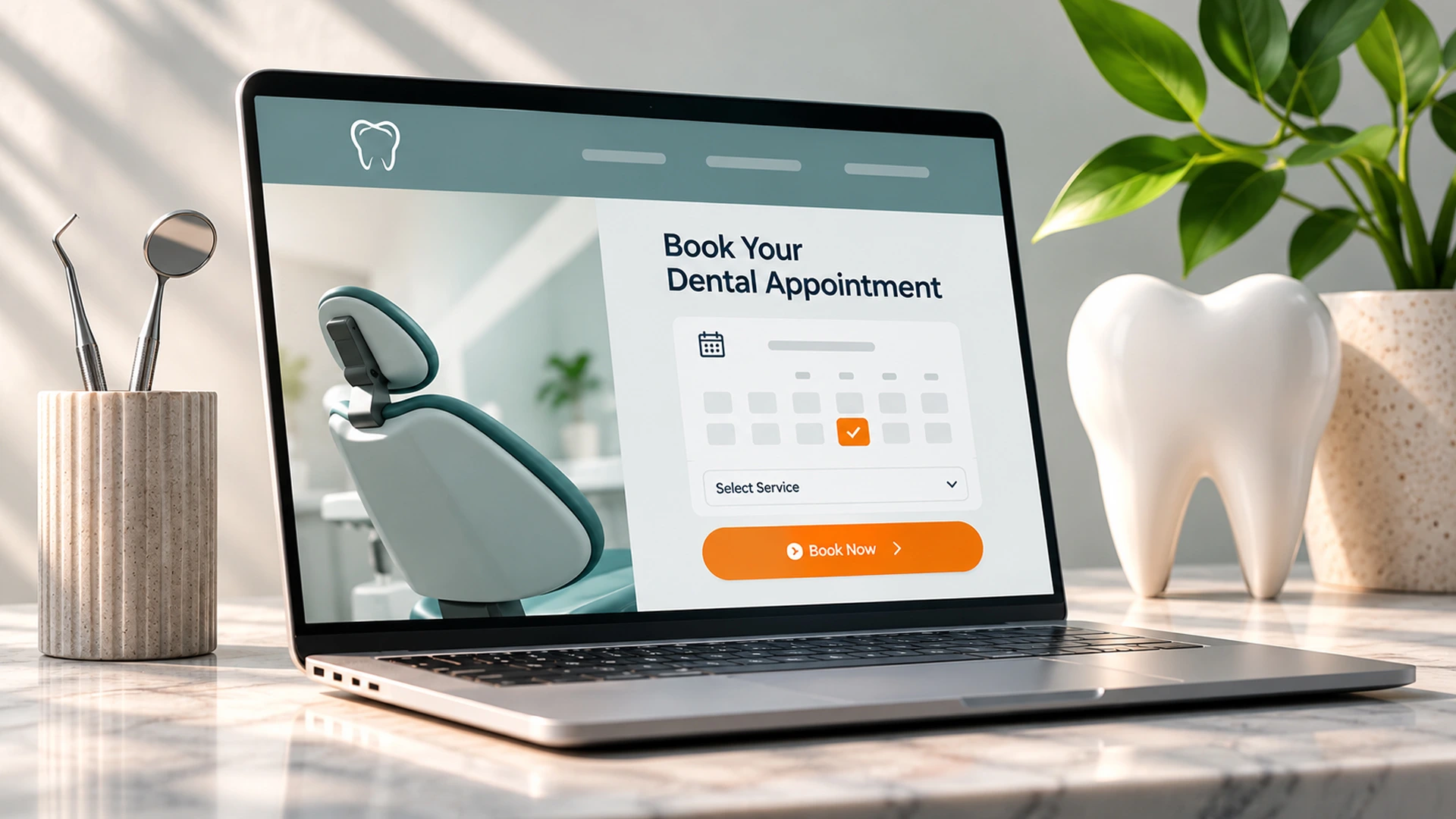
Patient using online booking feature on dentist website design orange county
Clear Insurance and Pricing Information
Most patients abandon a dental practice website when they cannot find insurance answers quickly. A dedicated insurance page, listing accepted carriers and financing options, removes that friction immediately and keeps patients on the path to booking.
| Information Patients Want | Where It Should Live | Why It Matters |
|---|---|---|
| Accepted insurance list | Dedicated insurance page | Avoids wasted calls and no-shows |
| New patient exam pricing | Homepage or services page | Builds trust before the first call |
| Financing/payment plans | Insurance or FAQ page | Removes cost as a barrier |
| Emergency visit cost range | Contact or emergency page | Reduces anxiety for urgent cases |
Because dental costs vary so widely, even a general price range builds more trust than silence. Patients who see transparent numbers are far more likely to call for specifics instead of searching elsewhere.
Before and After Galleries That Build Trust
A before and after gallery answers a question words cannot: what will I actually look like? For cosmetic services like veneers, whitening, or Invisalign, this is one of the most persuasive dental website features available.
However, galleries only work when organized well. Group images by procedure, add short captions, and always get written patient consent first. A cluttered, unlabeled gallery confuses visitors instead of convincing them.
- Group by treatment type (veneers, implants, orthodontics)
- Use consistent lighting and angles for fair comparison
- Keep file sizes optimized so the gallery loads fast
- Add a short caption noting the treatment and timeframe
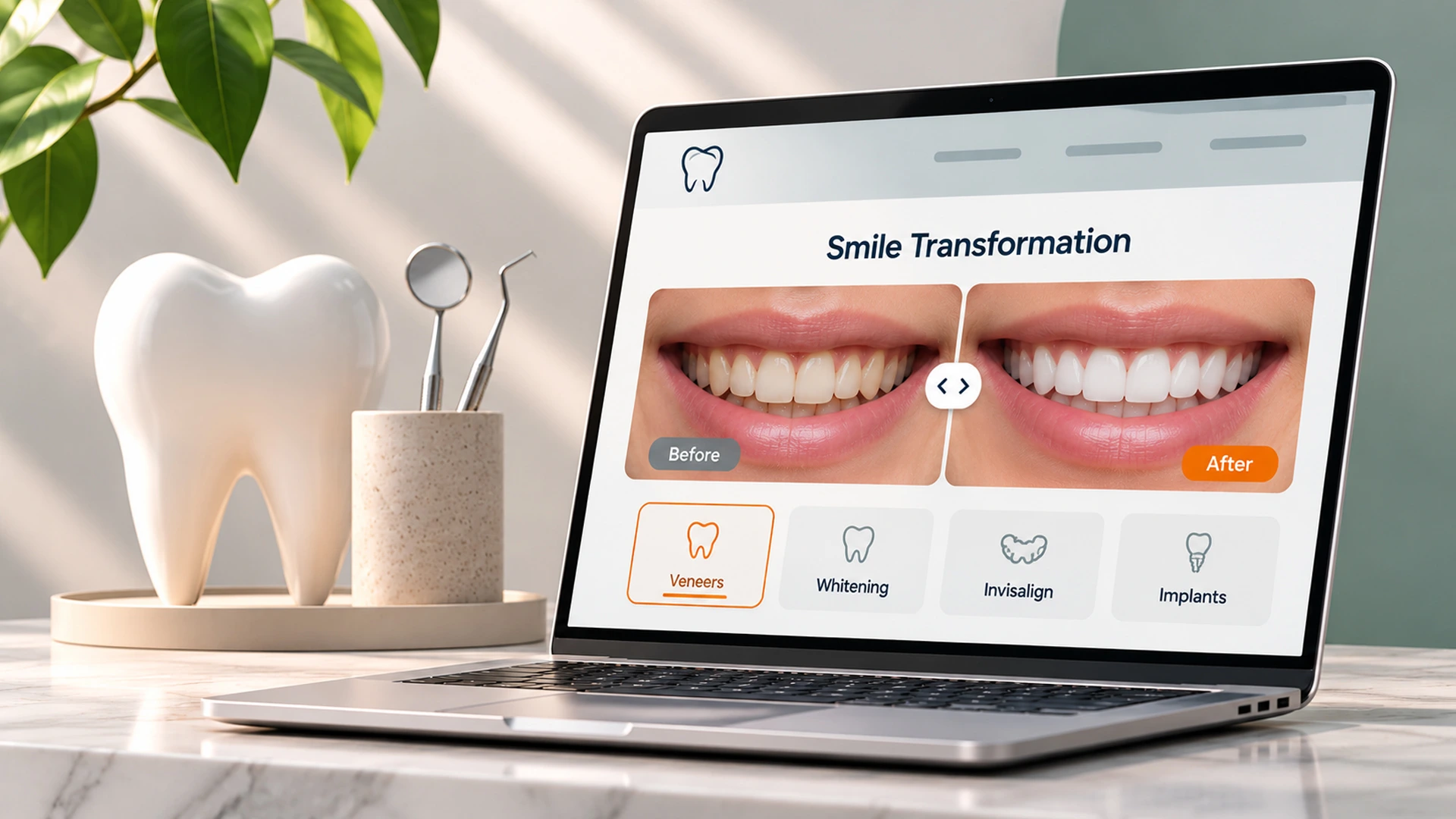
Dental website features including before and after smile gallery
Reviews and Social Proof on Your Dental Website
Nearly nine in ten patients read online reviews before choosing a dentist, according to patient behavior data tracked by the American Dental Association. Consequently, reviews need a visible home on your site, not just on Google.
Embed a live feed of recent Google reviews on your homepage and service pages. Then, add two or three longer written testimonials near your booking button, since social proof placed right before a call-to-action increases conversions noticeably.
Video Testimonials Add Another Layer
A 30-second video of a real patient describing their experience builds more trust than paragraphs of text. Although video takes more effort to produce, it tends to keep visitors on the page longer, which signals quality to search engines too.
HIPAA-Safe Intake Forms Done Right
A HIPAA-safe intake form lets new patients fill out medical history before their visit, saving time in the waiting room while protecting sensitive data. This single feature shortens check-in time and reduces paperwork errors significantly.
Dental practices handle protected health information, so any form collecting symptoms, medications, or insurance details must use encrypted transmission and secure storage. A generic contact form plugin is not enough; the form needs a signed business associate agreement with its vendor, as outlined by HHS guidance on HIPAA compliance.
- Encrypted data transfer (TLS/SSL) on every form page
- Secure, access-controlled storage, not email inboxes
- Signed business associate agreement with the form vendor
- Clear consent language before any data submission
Because compliance mistakes carry real legal risk, practices should treat intake forms as a security decision, not just a design one. A development partner who understands healthcare software development standards can build this correctly from the start.
Ready to fix the booking, forms, and galleries on your own site? Explore dental and healthcare-ready web design services built around patient conversion.
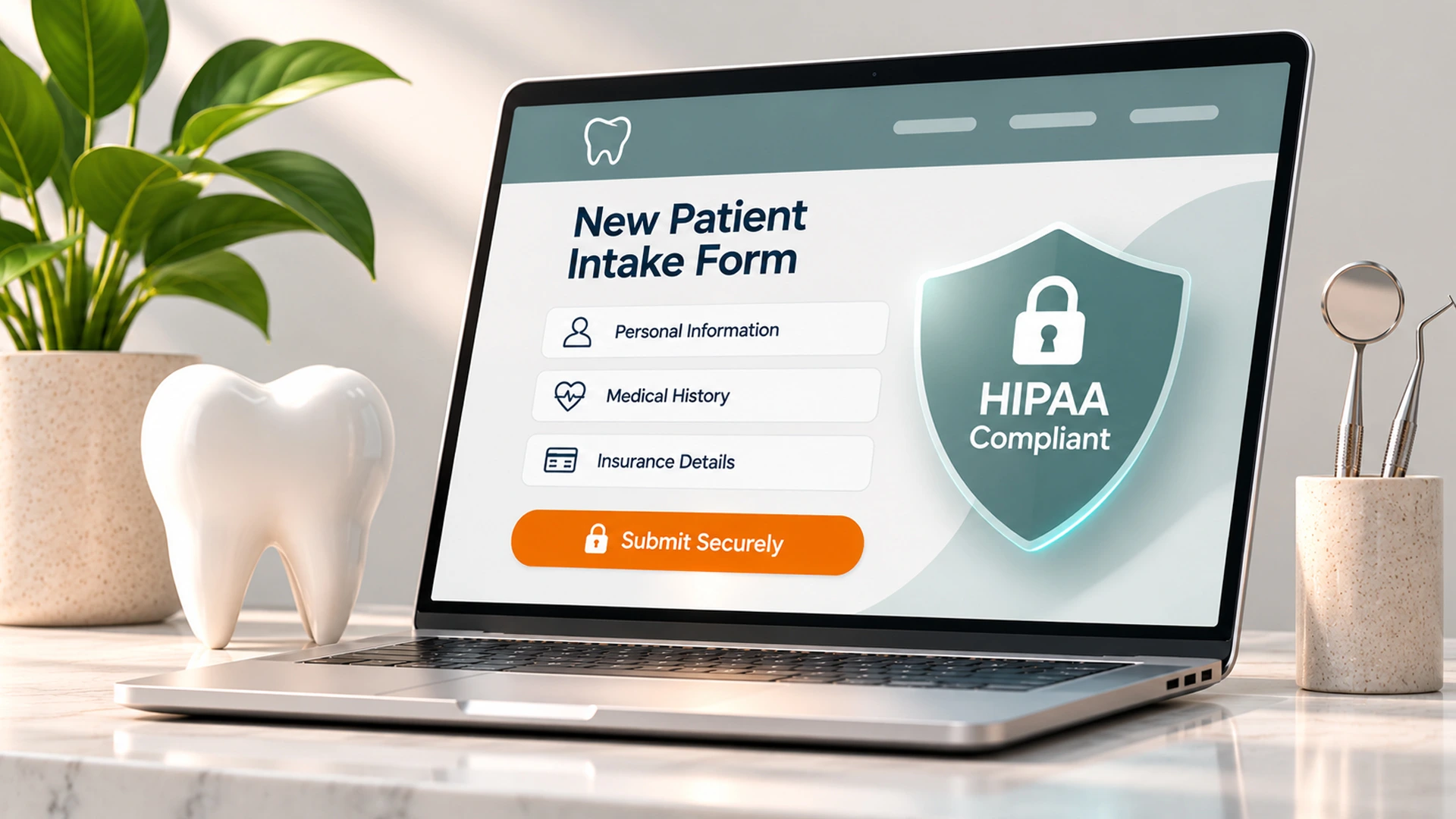
Secure HIPAA safe intake form on dental practice website
Mobile-Friendly, Fast, and Accessible Design
Over half of dental searches happen on a phone, often from someone in pain looking for same-day care. Therefore, a slow or cramped mobile site loses patients at the exact moment they are ready to call.
Fast load times, large tap targets, and a sticky "Book Now" button on mobile all reduce bounce rates. Furthermore, accessible design, like readable font contrast and alt text on images, keeps the site usable for patients with visual impairments and helps avoid ADA compliance complaints.
Speed and Accessibility Checklist
- Page load under three seconds on mobile
- Tap-friendly buttons at least 44 pixels tall
- Alt text on all images, including gallery photos
- Readable color contrast throughout the site
A well-built dental practice website also supports your broader healthcare marketing, since search engines reward fast, accessible, mobile-first sites with better rankings. See how this fits into a full healthcare industry approach for practices like yours.
Start Your Dental Website Redesign Today
Dental website design is not a one-time project; it is the first impression every future patient forms before they ever sit in your chair. Booking tools, transparent pricing, real galleries, visible reviews, and HIPAA-safe forms work together to turn visitors into scheduled patients. If your current site is missing any of these dental website features, now is the time to fix it, before a patient chooses a competitor instead.

