A SaaS that replaces the tour-advancing email chain
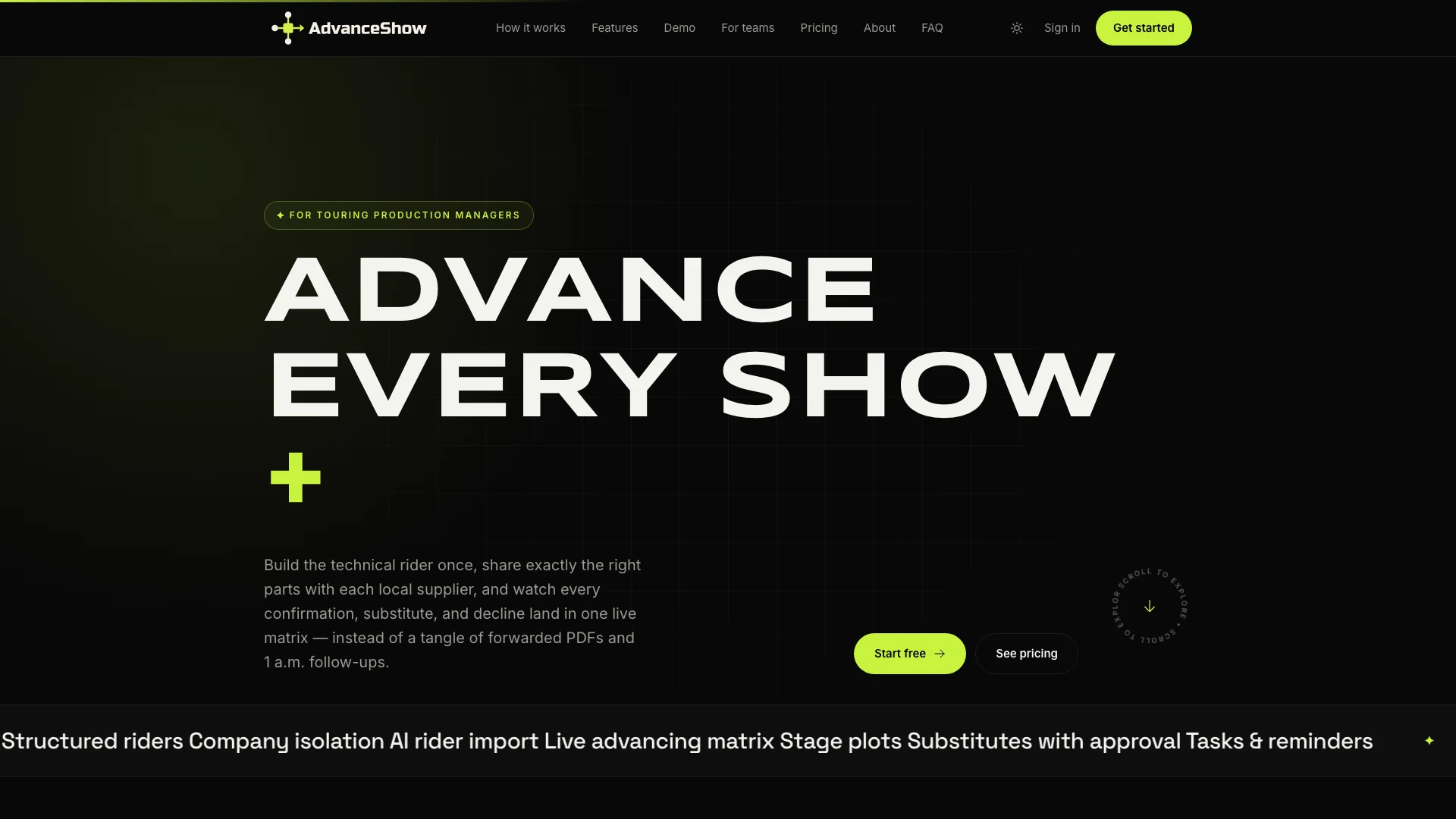
AdvanceShow helps touring production managers turn technical riders into checklists suppliers confirm item by item, with AI that reads rider PDFs.
Overview
Advancing a show means making sure every speaker, light and stage riser the artist needs will be there on the day. Production managers did this with PDFs, spreadsheets and a lot of follow-up emails, one supplier at a time, for every stop on the tour.
AdvanceShow turns that into one live checklist. We built the whole product: the web app, the supplier experience, subscription billing and the AI import. Learn more about our custom software development work.
What it does
- Structured riders. Departments, items, quantities, preferred and banned brands, and how strict each item is. A rider can be copied as a new version for the next tour.
- A private link per supplier. Each supplier only sees the items tagged for them, on the shows they serve, and never sees competing suppliers.
- Confirm, decline or suggest a substitute. The production manager approves or rejects each answer, so nothing is assumed.
- Comments pinned to stage plots. Uploaded plots become images people can pin comments on, with @mentions and internal notes suppliers never see.
- Automatic reminders. Suppliers with open items get an email 14, 7 and 3 days before the show.
- Subscription plans. Free, Pro and Studio plans through Stripe, with limits enforced in the app.
AI rider import
Riders arrive as PDFs. Instead of retyping them, the production manager uploads the file and Claude reads it into departments and items. Customers can use their own Claude API key. The AI never writes to the rider directly: a person reviews the result and clicks Apply. See our AI document processing service.
- Step 01
Upload the PDF
The production manager uploads the artist's technical rider.
- Step 02
Claude reads it
Claude pulls out departments, items, quantities and brands as structured data.
- Step 03
Person reviews
The result is shown for review. If nothing useful was found, it says so clearly.
- Step 04
Apply
Only a person clicking Apply builds the rider, in one step.
Problems we hit, and how we solved them
Most of the hard work in a SaaS is in the edge cases: double clicks, repeated emails and people changing their minds. These are real problems we found and fixed.
01Double-click created two riders
Problem
Clicking "Apply" twice quickly on an AI import could create two copies of the same rider.
Our fix
The import is locked and re-checked before anything is built, so only the first click counts.
02Deleting imports reset the AI limit
Problem
Users could import a PDF, delete the import and import again, and their monthly AI allowance never went down.
Our fix
Deleted imports are hidden but kept, so they still count toward the plan's limit.
03The same reminder sent twice
Problem
A retry, a manual run or a deploy at the wrong moment could send a supplier a second copy of the same reminder.
Our fix
Each supplier link claims today's reminder in one step before sending. If sending fails, the claim is released so it can be tried again.
04Billing emails sent more than once
Problem
Stripe sometimes delivers the same payment event twice, which could email a customer twice.
Our fix
Each Stripe event is recorded the first time it arrives, and repeats are ignored.
05Email scanners unsubscribed people
Problem
Company email security tools open every link automatically, which could unsubscribe suppliers without them knowing.
Our fix
Opening the link only shows a confirmation page. Unsubscribing needs a real button press.
06Suppliers stuck after a rider change
Problem
Once a production manager approved an answer it was locked, so the supplier couldn't answer again when the item later changed.
Our fix
An approval stays locked only while the item is unchanged. If the item is edited, the supplier can respond again.
What we did
- SaaS product design
- Web application
- Claude AI integration
- Stripe subscriptions
- Email automation